



Quick Account Registration and Verification at Parimatch 2026

Parimatch registration and account verification for players in India aged 18 and over.

Bonuses for Registering a Parimatch New Account

New players at Parimatch India can choose from several attractive welcome bonuses tailored to their gaming preferences. Only one welcome offer can be chosen, and the minimum qualifying deposit is INR 500.

How to Register via Parimatch App?

Sign-up works the same way on the official website and in the app. Below is a simple step-by-step guide to help you create an account in the Parimatch app:

1

Open the Parimatch App

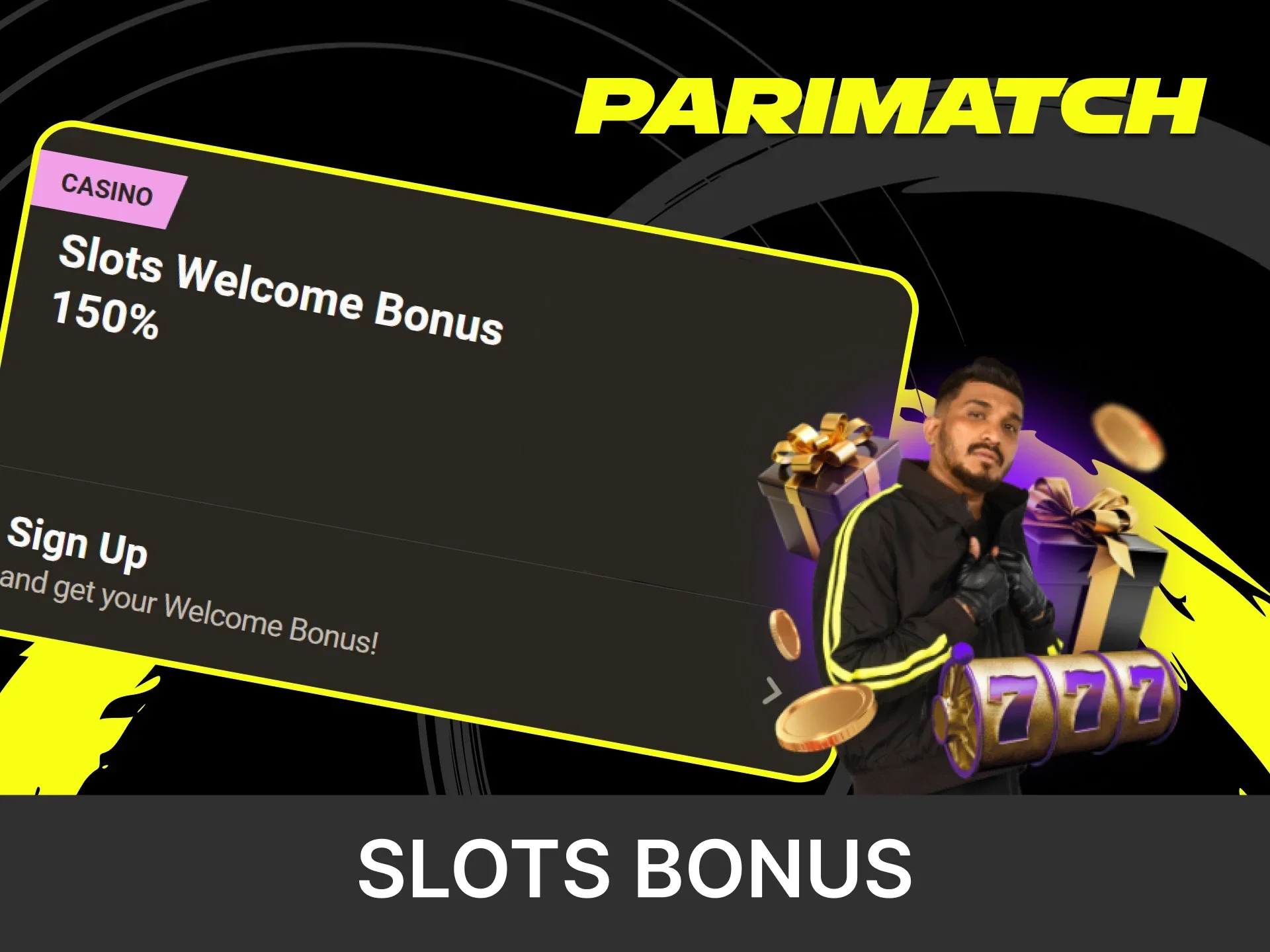
Launch the Parimatch mobile app on your device and tap the “Sign Up” button on the home screen.

Step 1 of Parimatch app registration: open the app and tap the Sign Up button on the home screen.
2

Fill Out the Registration Form

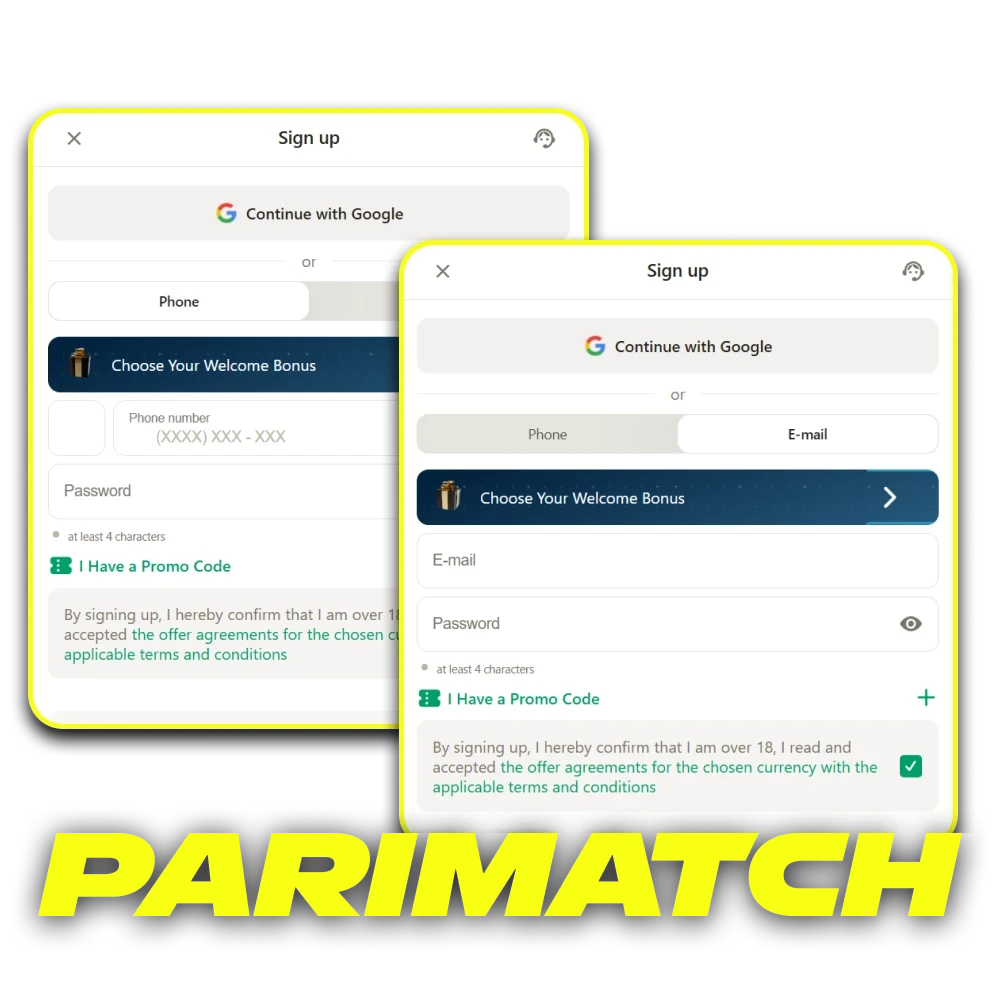
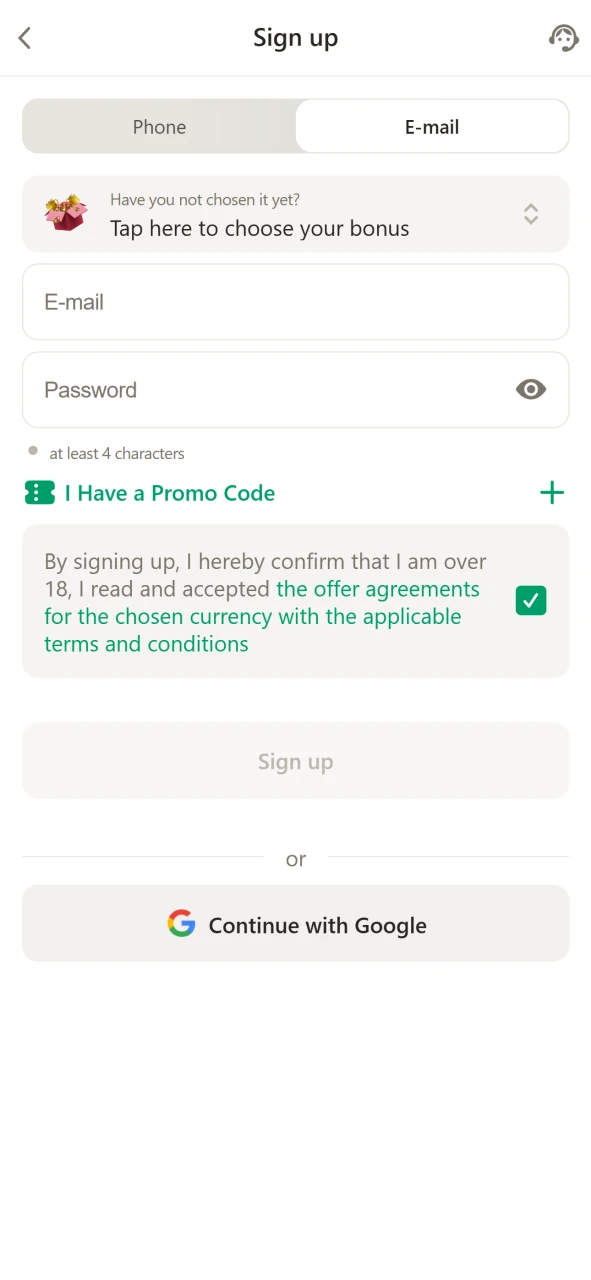
Choose your welcome bonus. Complete the form by entering your personal details, including email or phone number and password.

Step 2: choose a welcome bonus and fill in the Parimatch registration form with email or phone and password.
3

Confirm Your Age and Accept Terms

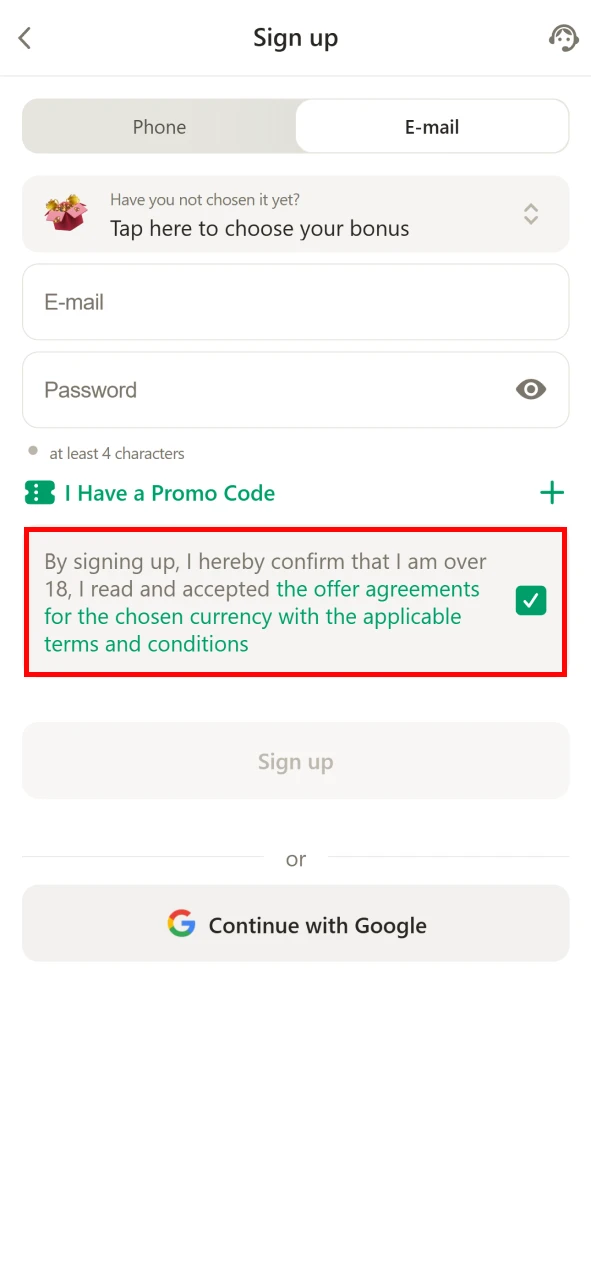
Tick the box to confirm you are over 18 years old and agree to the Terms and Conditions.

Step 3: tick the box to confirm you are over 18 and accept the Parimatch Terms and Conditions.
4

Click “Confirm” to Complete Registration

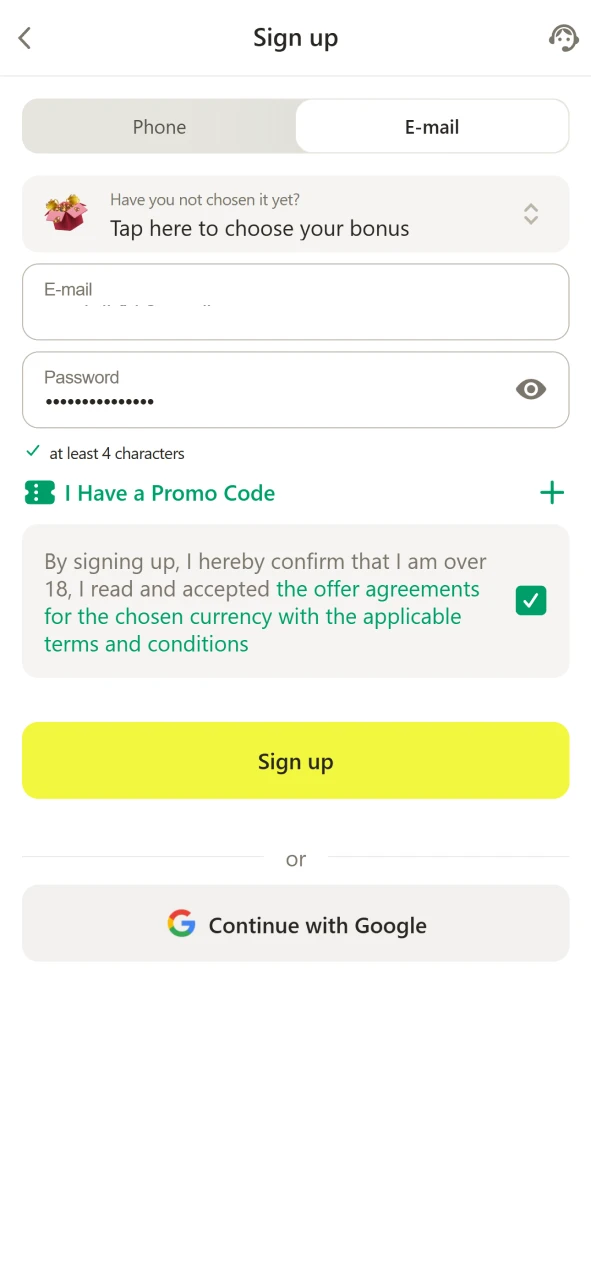
Tap the “Confirm” button to finalize your account creation and start using the app.

Step 4: tap Confirm to complete registration and open your new Parimatch account.

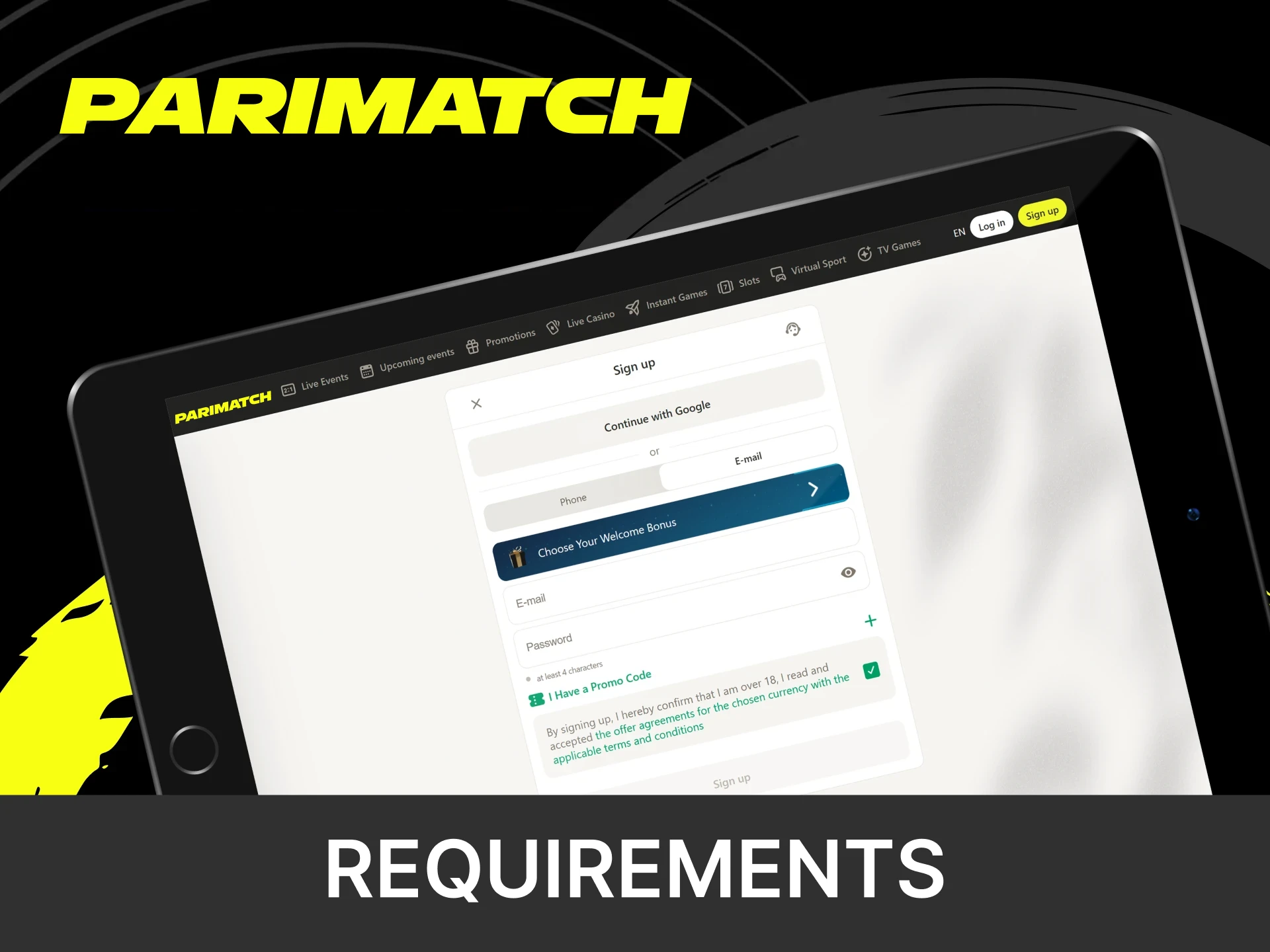
Parimatch Registration Requirements

Before creating your Parimatch account, make sure you meet these essential criteria:

  • You must be at least 18 years old;
  • Only one account is allowed per person;
  • All information must be real and current, and online betting must be allowed where you live;
  • A valid ID is required for withdrawals above the equivalent of USD 100;
  • Accounts used for fraud or illegal activity will be blocked;
  • You must agree to Parimatch’s terms and privacy policies.
Parimatch registration requirements: 18+, one account per person and real personal details.

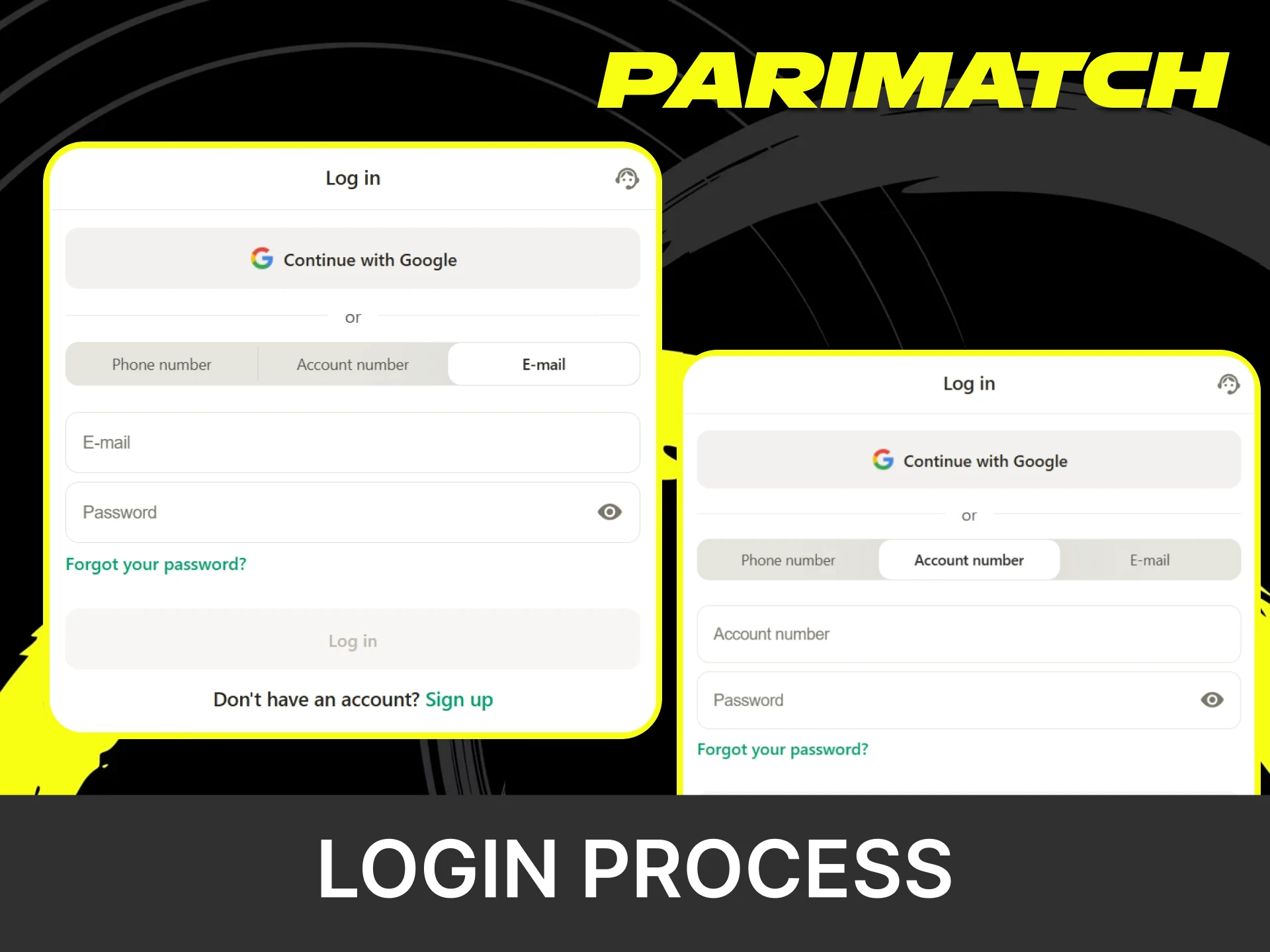
Parimatch Login Process

To log in to your Parimatch account, follow these quick steps:

  1. Open the Website or App. Visit the official Parimatch site or launch the mobile app.
  2. Tap “Log In.” The button is located at the top of the screen.
  3. Enter Your Details. Use your registered phone number, email, or account ID with your password.
  4. Complete Verification. Enter the SMS or email code if prompted.
  5. Access Your Account. Click “Log In” to enter your dashboard and start cricket betting.
Log in to a Parimatch account on the website or app with a phone number, email or account ID.

Parimatch Account Verification

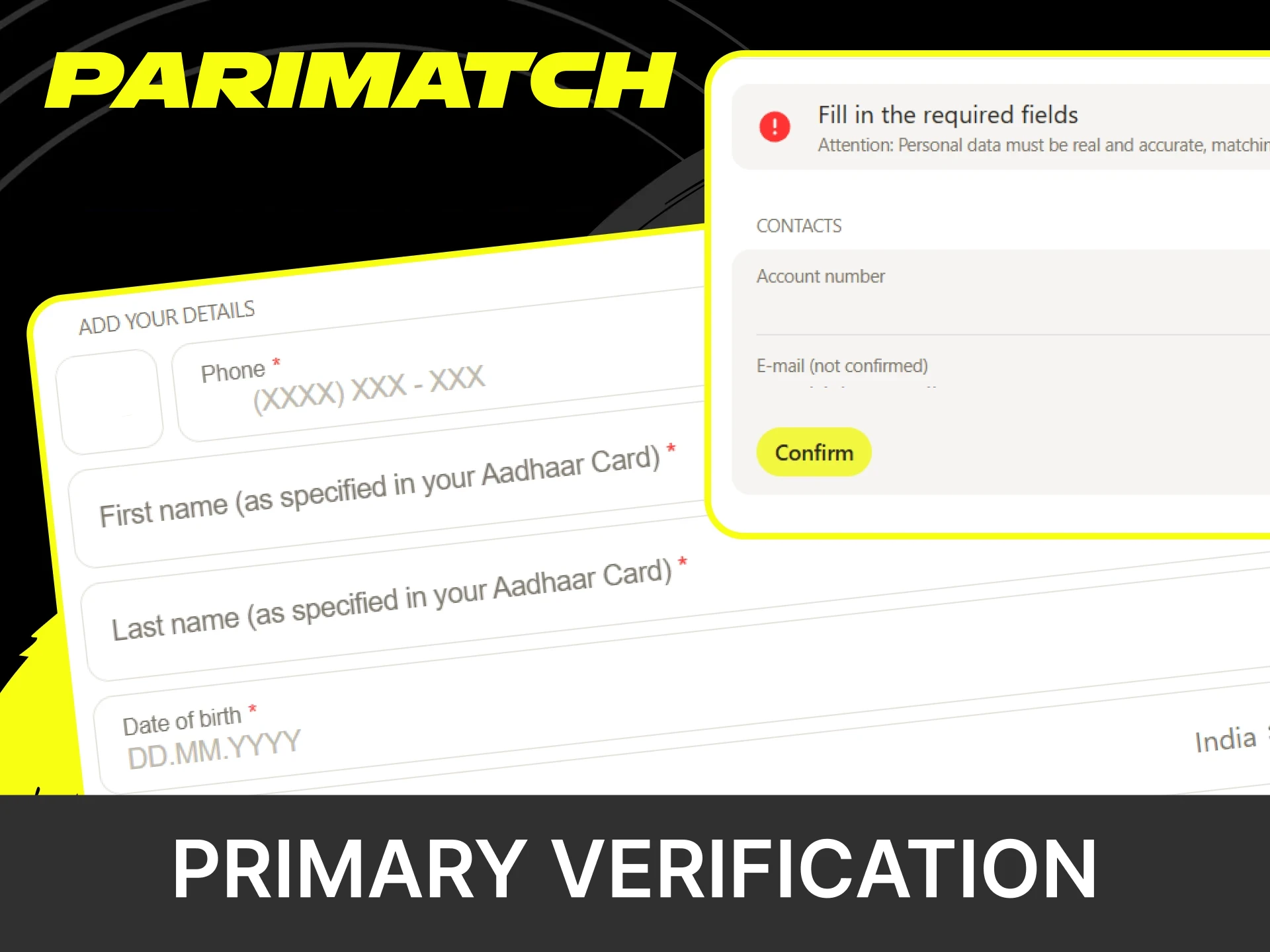
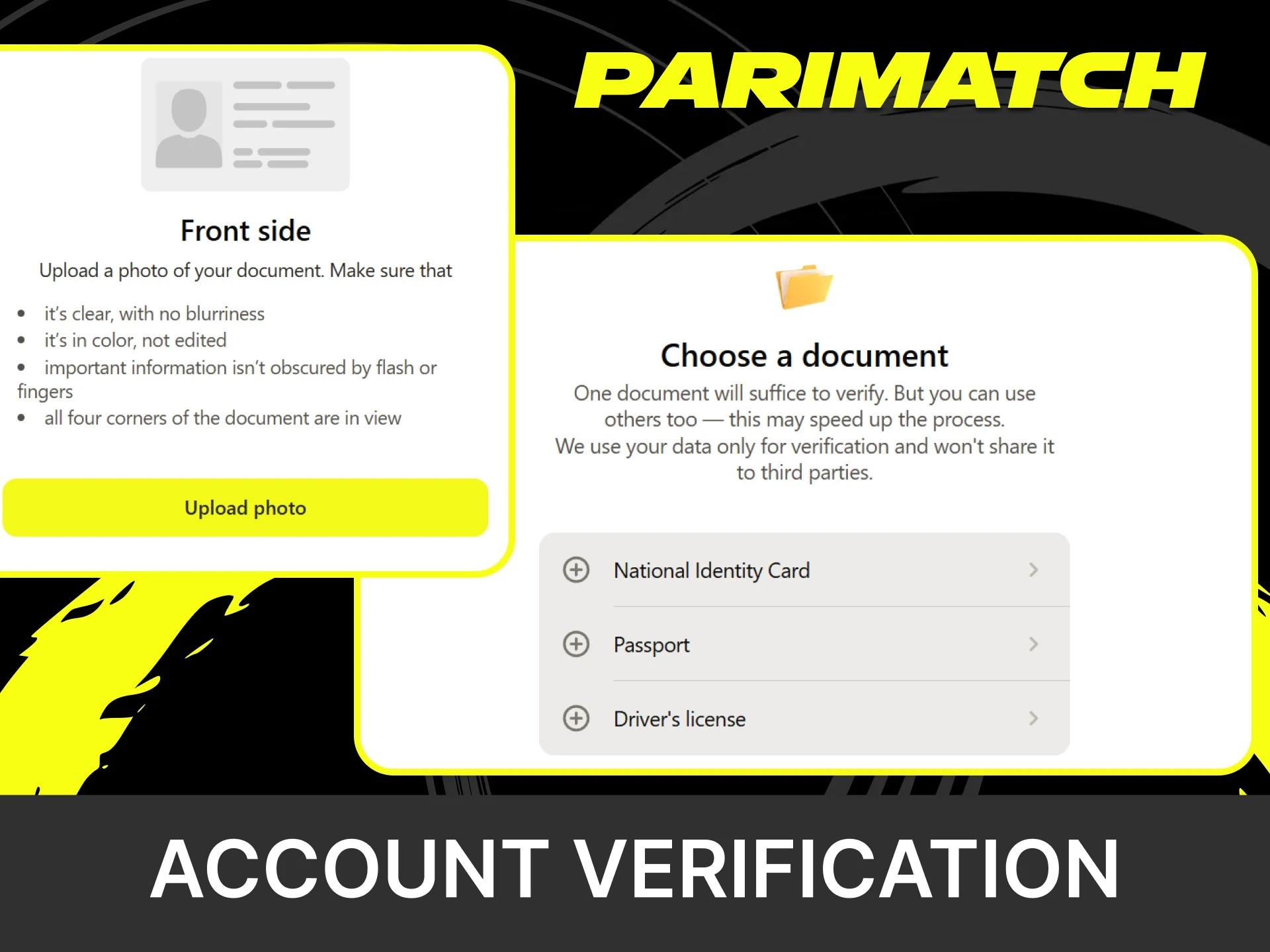
Account verification is a key step to unlock full functionality, including secure withdrawals. It confirms your identity, age, and ownership of payment methods, protecting both your account and funds. How long the check takes depends on the quality of the documents submitted. Once verified, all features become fully accessible.

How to Recover a Parimatch Account?

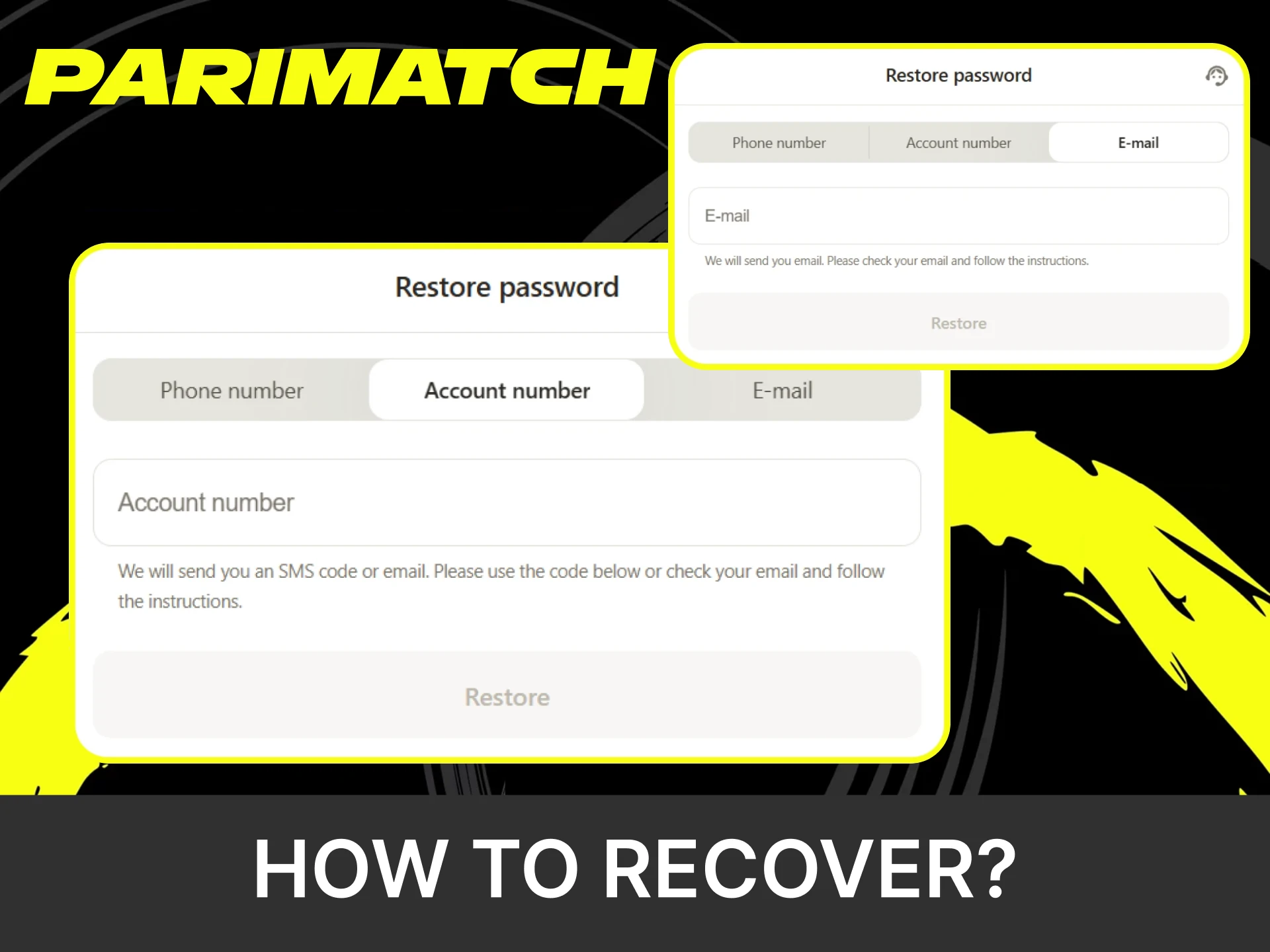
If you’ve lost access to your Parimatch account or forgotten your password, recovery only takes a few minutes. Follow the simple steps below to reset your password and regain access:

  1. Open the official Parimatch website or app and tap “Forgot Password?”
  2. Provide the phone number or email linked to your account.
  3. You’ll receive a code or reset link via SMS or email and enter it to continue.
  4. Set a strong new password and confirm the change.
  5. Use your new credentials to access your account.

If prompted, you may need to verify your identity by submitting documents through the KYC process.

Parimatch account recovery: tap Forgot Password, enter the SMS or email code and set a new password.

F.A.Q

How Long Does Parimatch Account Verification Take?

Parimatch does not publish a fixed verification time. Checks are usually quicker when the documents are clear and match the account details; if extra checks are needed, support asks for more documents.

Can I Change My Registered Country After Creating a Parimatch Account?

The country and currency (INR) are set when the account is created. If you move, contact support before making any changes: opening a second account is not allowed, and online betting must be allowed in your new country of residence.

What Should I Do if My Verification Documents Are Rejected?

If your documents are rejected, please ensure they are clear, valid, and match the information you provided during registration. The Parimatch support team is always ready to guide you through the resubmission process.

Is It Possible to Register on Parimatch Without Providing an ID Immediately?

Yes, you can register and start playing right away. However, verification is required for withdrawals above the equivalent of USD 100 or when requested for security purposes.

What Types of Documents Can Be Used for Parimatch Verification?

Parimatch accepts a valid passport, national ID card, or driver’s license to verify your identity. To confirm your address, it may also request a utility bill or bank statement.

Updated: