
Download Parimatch APK for Android, Install on iOS and Claim Your 150% Bonus
Use the Parimatch app to experience the thrill of casino games and sports betting anytime, anywhere. The platform offers a simple, fast, and secure interface adapted for both Android and iOS users. Install the app today and claim the 150% sports welcome bonus of up to 20,000 INR for a better start. Join Parimatch now and bet on cricket, football and casino games from your phone.
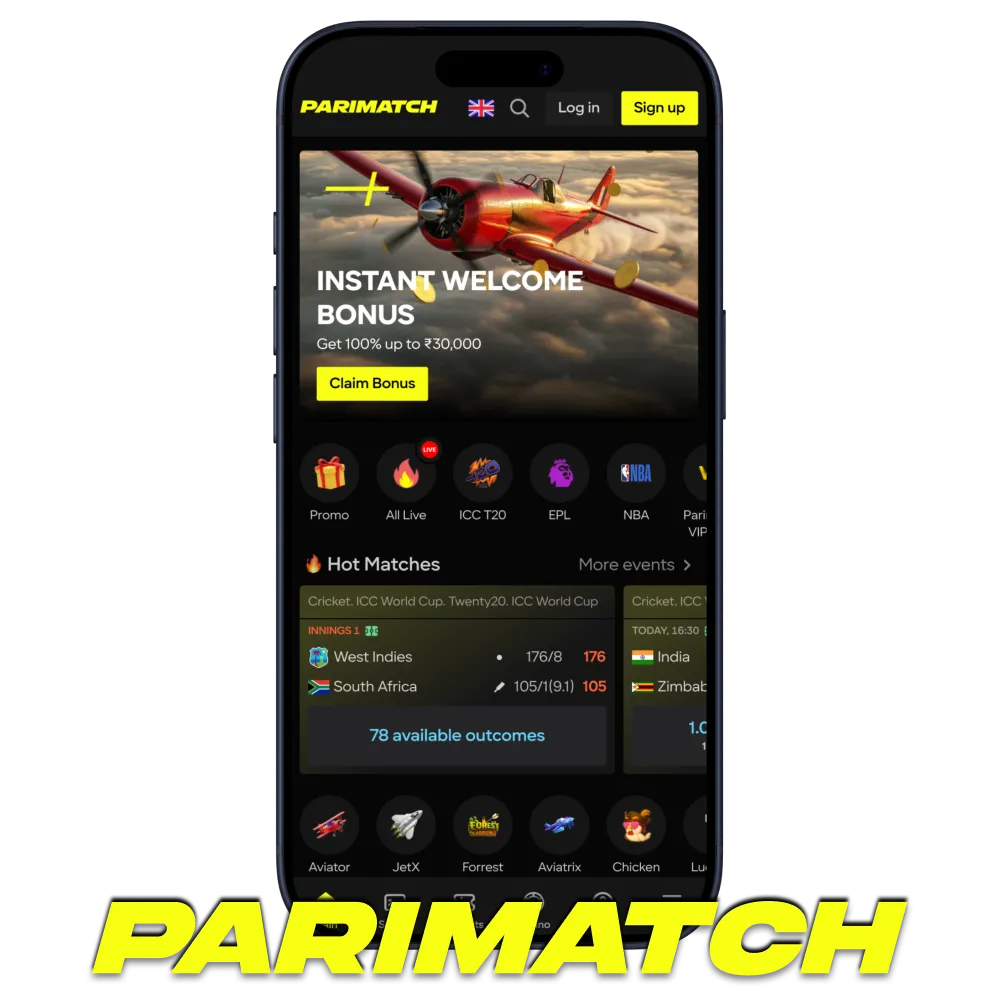
Parimatch App Overview
The Parimatch app combines advanced technology with user-friendly design, giving players instant access to sports betting, casino games, and current promotions. Optimized for smooth performance, it ensures a safe and enjoyable experience for users across multiple countries.
| App Category | Sports Betting and Online Casino |
| License | Operates under a Curaçao license |
| Supported OS | Android, iOS |
| Updates | Regular, through the official website |
| Cost of Downloads | Free |
| App Languages | English and other languages |
| Welcome Bonus for Sports | 150% up to 20,000 INR |
| Welcome Bonus for Slots | 150% up to 105,000 INR |
| Minimum Deposit | 500 INR |
| Bet Types | Pre-match, Live, Outrights, System, Accumulators |
| Support Service | 24/7 customer support |
| Customer Support | Live chat, email, messengers |
Interface of Parimatch App
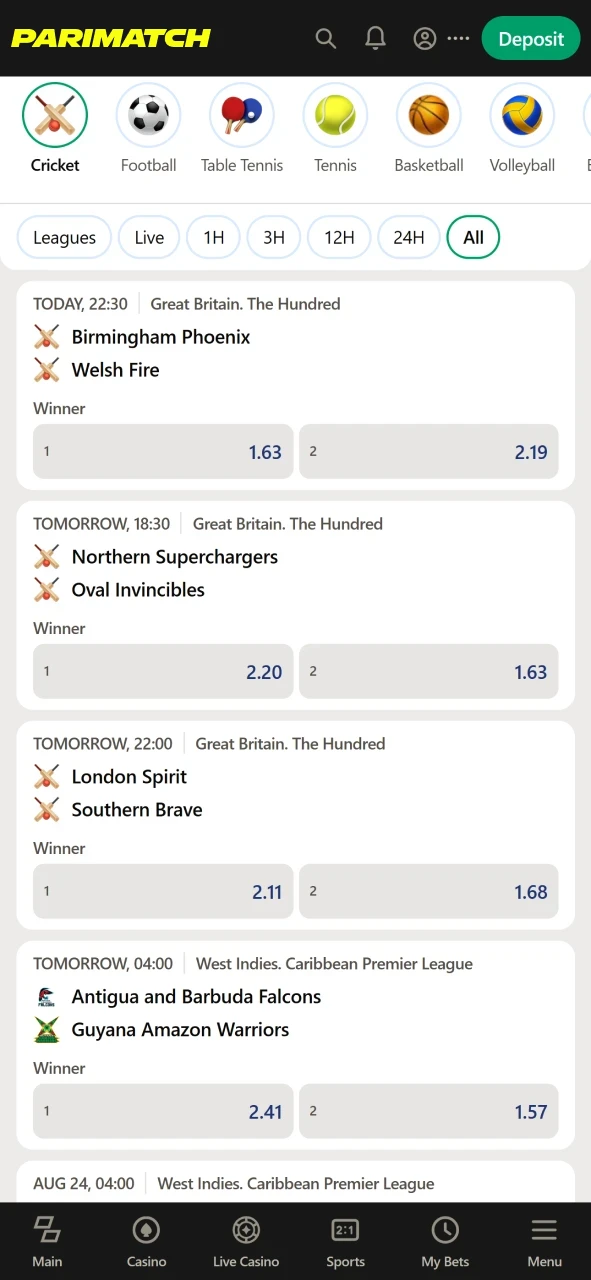
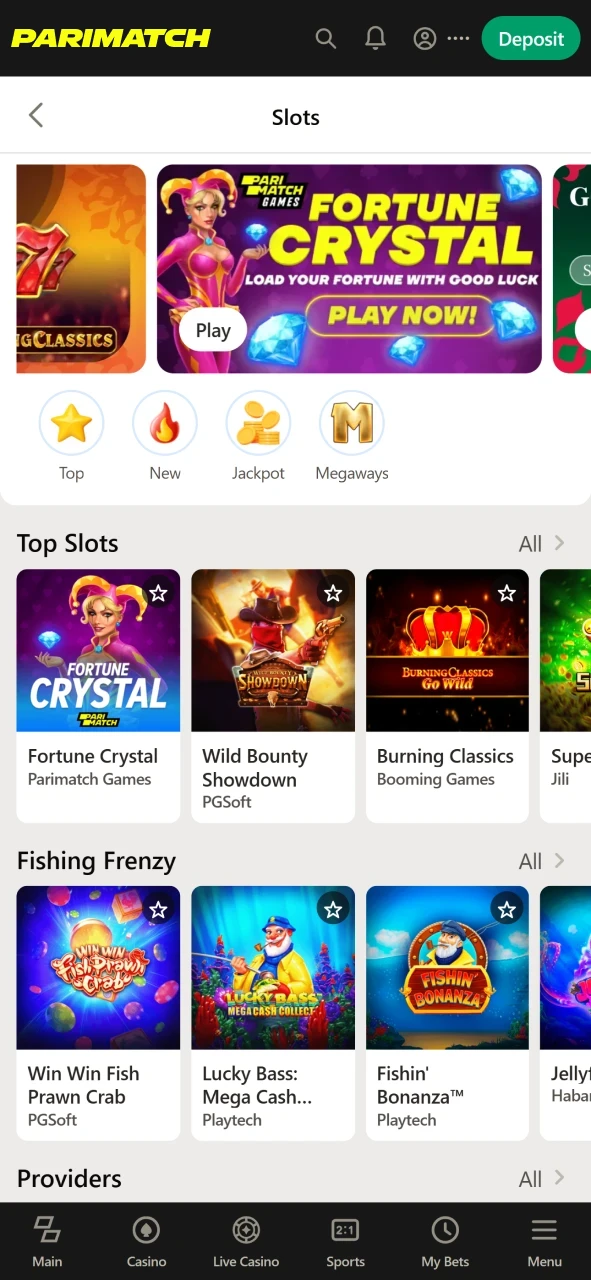
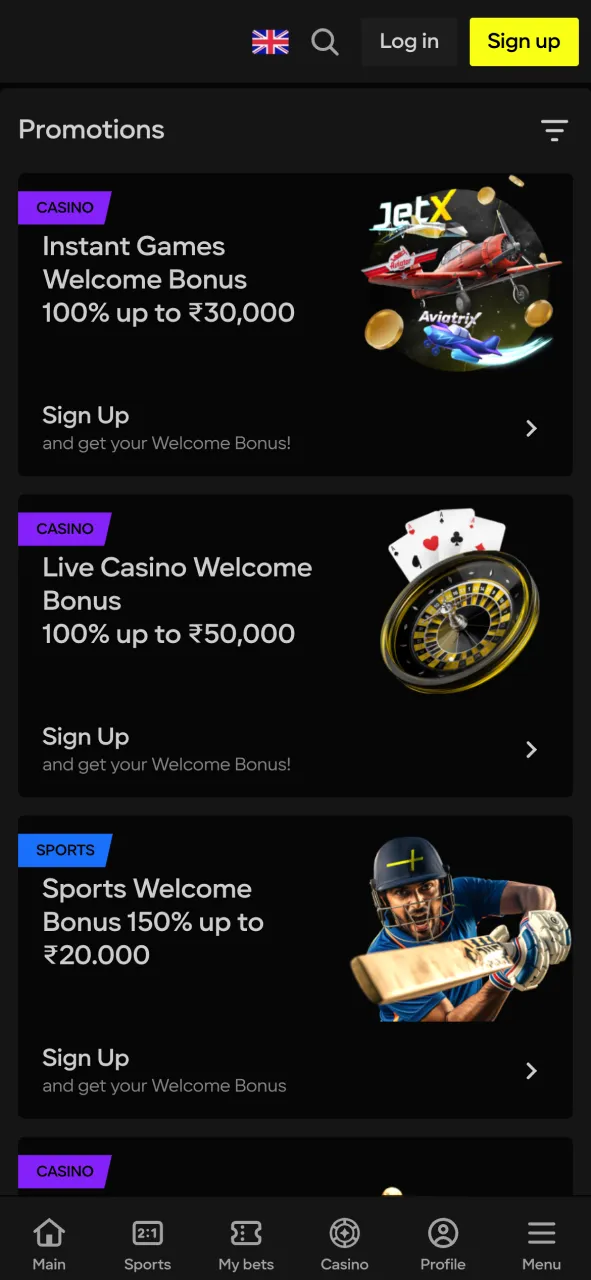
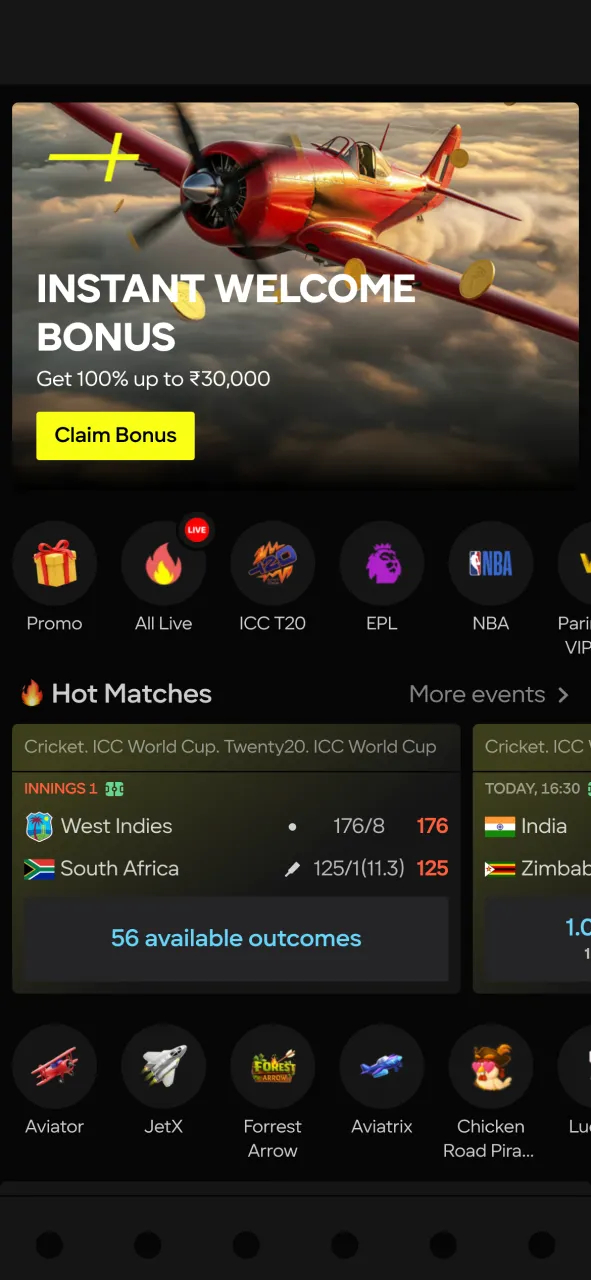
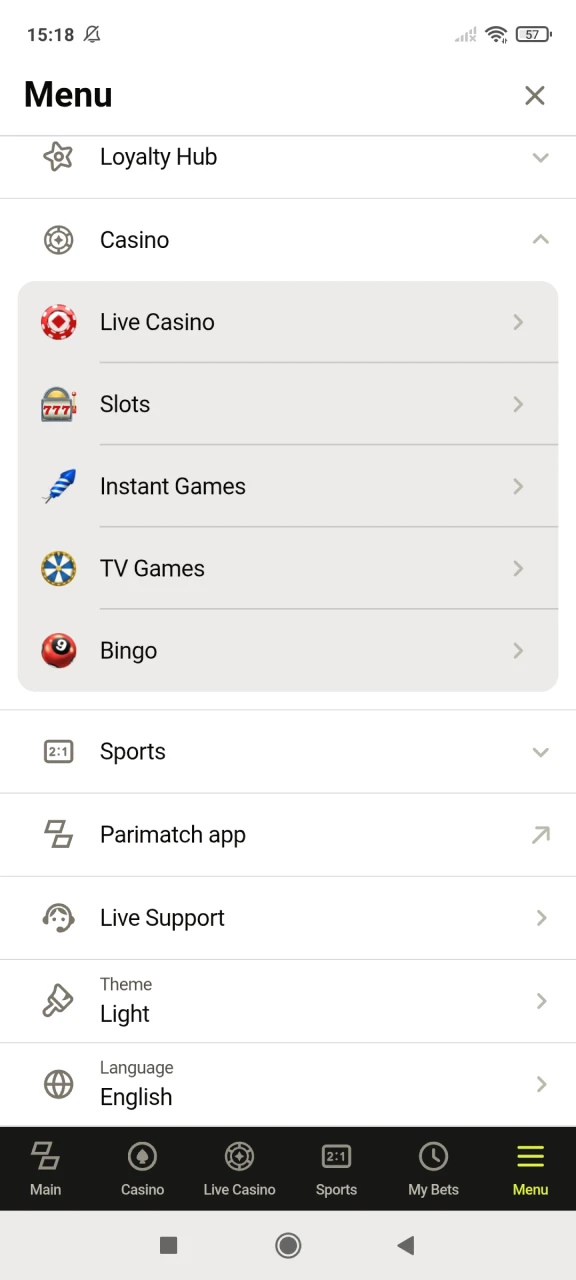
The Parimatch app features a modern, intuitive interface that allows users to navigate effortlessly between sports betting, live events, and casino games. Clear menus, responsive design, and smart search functions ensure a smooth and enjoyable user experience on any device.
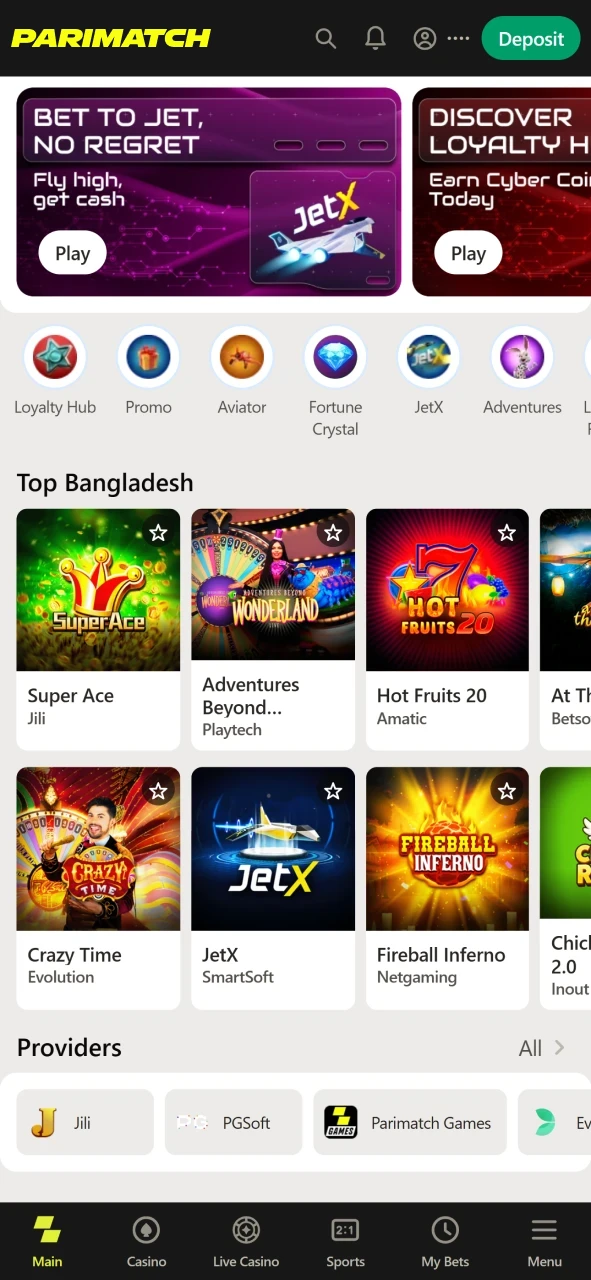
Download Parimatch APK for Android in 3 steps
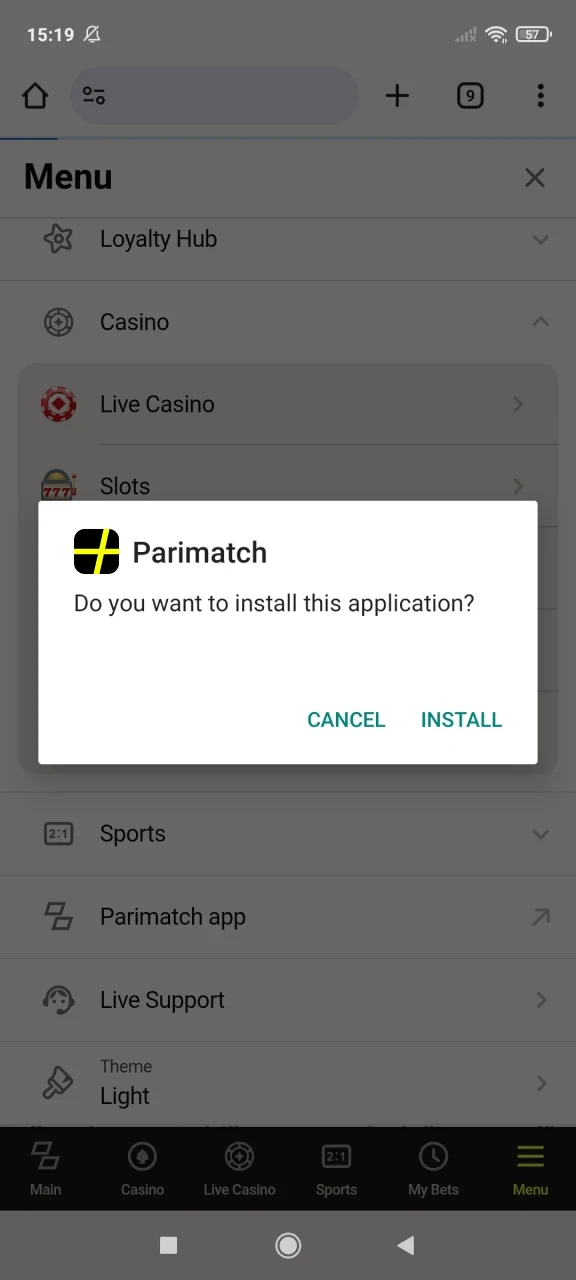
Installing the Parimatch app on your Android device is quick and easy. Follow the steps below to download and set up the app in just a few minutes:
Click the “App” Button
Open the official Parimatch website in your mobile browser and find the “App” button or the Android download link in the menu or at the bottom of the page.
Download the Parimatch APK
Tap the button to start downloading the official Parimatch APK file directly to your device.
Install the App
Open the downloaded file, allow installation from unknown sources if Android asks for it, and confirm the installation.
Supported Devices for Parimatch Apk Version
The Parimatch APK runs on most modern Android smartphones, from mid-range to flagship models. The table lists popular models it works on; any recent phone with an up-to-date Android version and enough free storage should run it as well:
| Brand | Models |
|---|---|
| Samsung | Galaxy S25 Ultra, Galaxy S25+, Galaxy A56 5G, Galaxy M56, Galaxy Z Fold 7, Galaxy Z Flip 7 |
| OnePlus | OnePlus 13, OnePlus 13R, OnePlus 13s |
| Xiaomi | Xiaomi 15, Xiaomi 15 Pro, Xiaomi 15 Ultra, Redmi Note 14 Pro, Redmi Note 14 5G |
| Poco | Poco F7, Poco F7 Pro, Poco X7, Poco X7 Pro, Poco M7 |
| Oppo | Oppo Find X7, Reno11 Pro, Reno11 5G, Reno11 F |
| Vivo | Vivo X100 Pro, X100, V30 Pro, V30 5G, Y200 5G |
| Google Pixel | Pixel 9 Pro, Pixel 9, Pixel 9a |
Install the Parimatch Web App on iOS in 3 steps
There is no Parimatch app to download from the App Store: on iPhone and iPad, Parimatch works as a web app (PWA) that you add to the Home Screen from Safari. Here is how to do it:
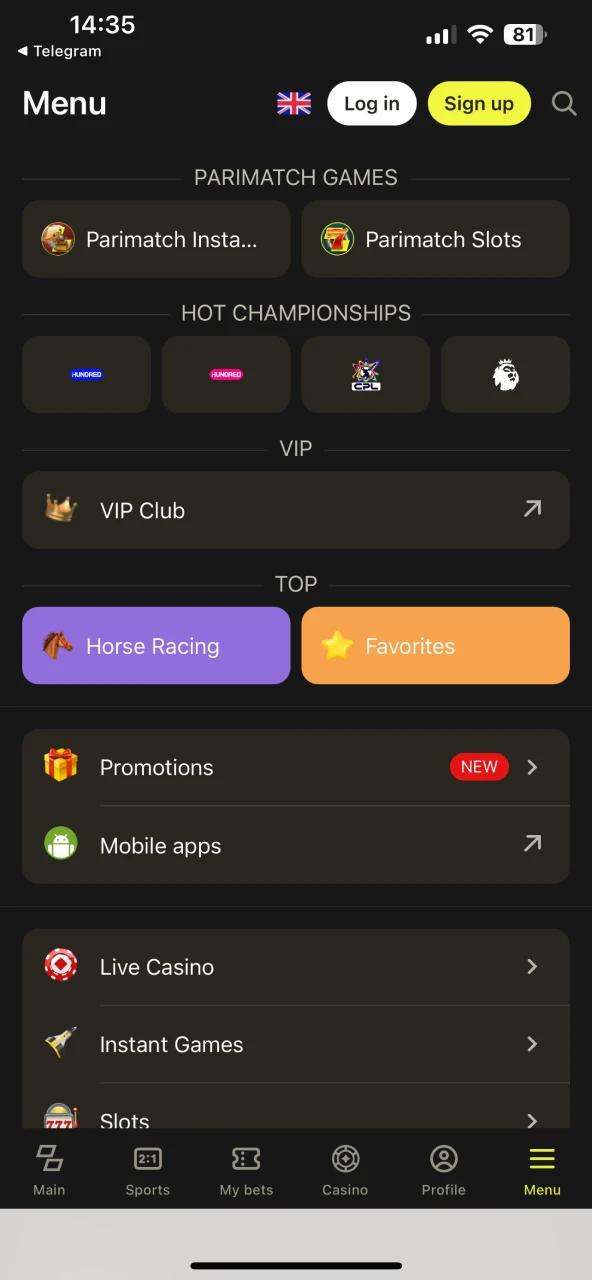
Open the Site in Safari
Open the official Parimatch website in Safari on your iPhone or iPad.
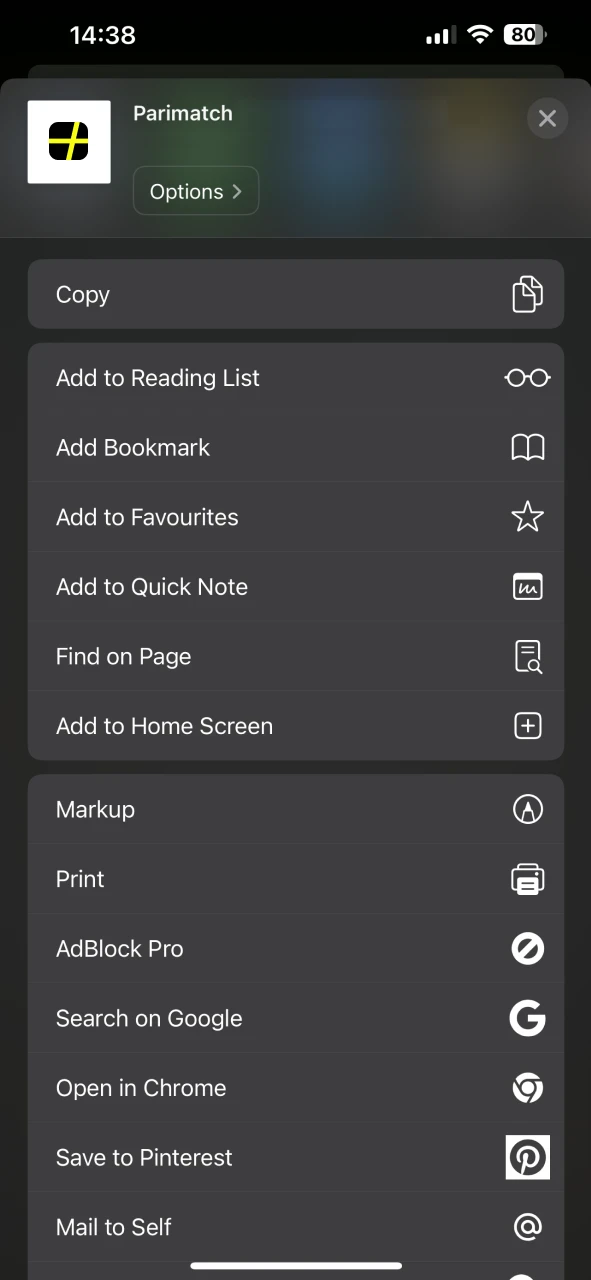
Add Parimatch to the Home Screen
Tap the “Share” icon at the bottom of your Safari screen, then select “Add to Home Screen.”
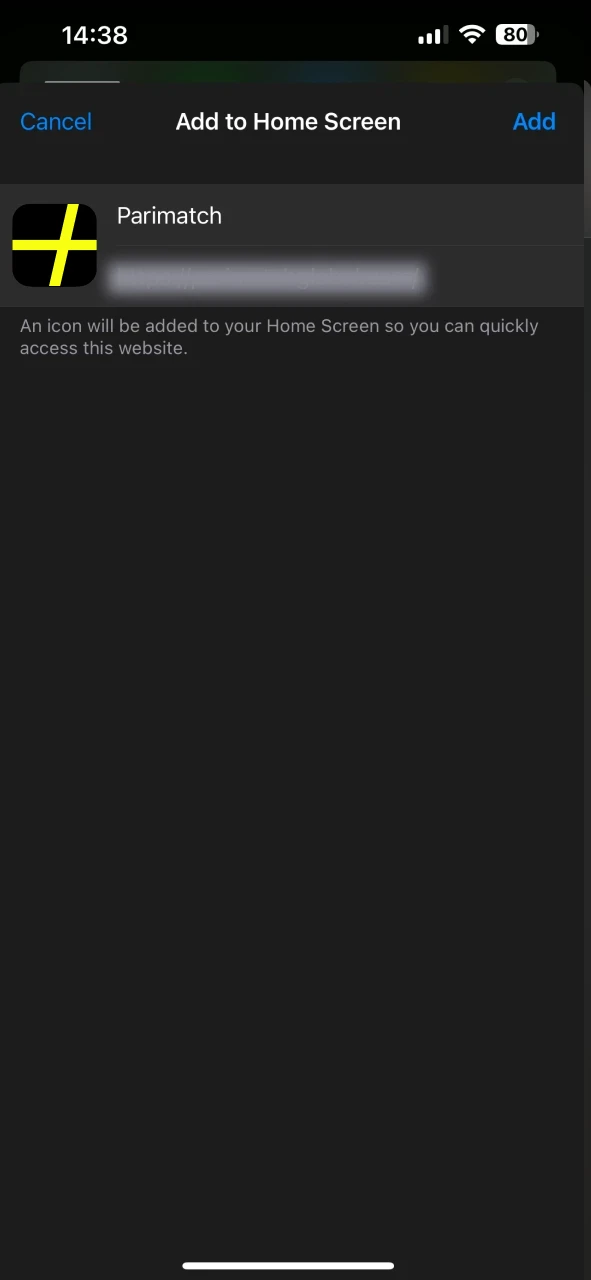
Confirm and Open
Tap “Add” to confirm. The Parimatch icon appears on your Home Screen and opens the site like an app.
Supported Devices for Parimatch iOS Version
The Parimatch web app runs in Safari, so it works on most iPhones and iPads with an up-to-date iOS version, including the models below:
| Brand | Models |
|---|---|
| Apple | iPhone 17 / 17 Pro / 17 Pro Max / 16 / 16 Pro / 16 Pro Max / 16 Plus / 15 / 15 Pro / 15 Pro Max / 15 Plus / 14 / 14 Pro / 14 Pro Max / 13 / 13 Pro / 13 Pro Max / 12 series / 11 series / SE (2nd Gen); iPad Air (4th gen and above), iPad Pro (multiple generations), iPad mini (5th gen), iPod touch (7th gen) |
Parimatch on PC
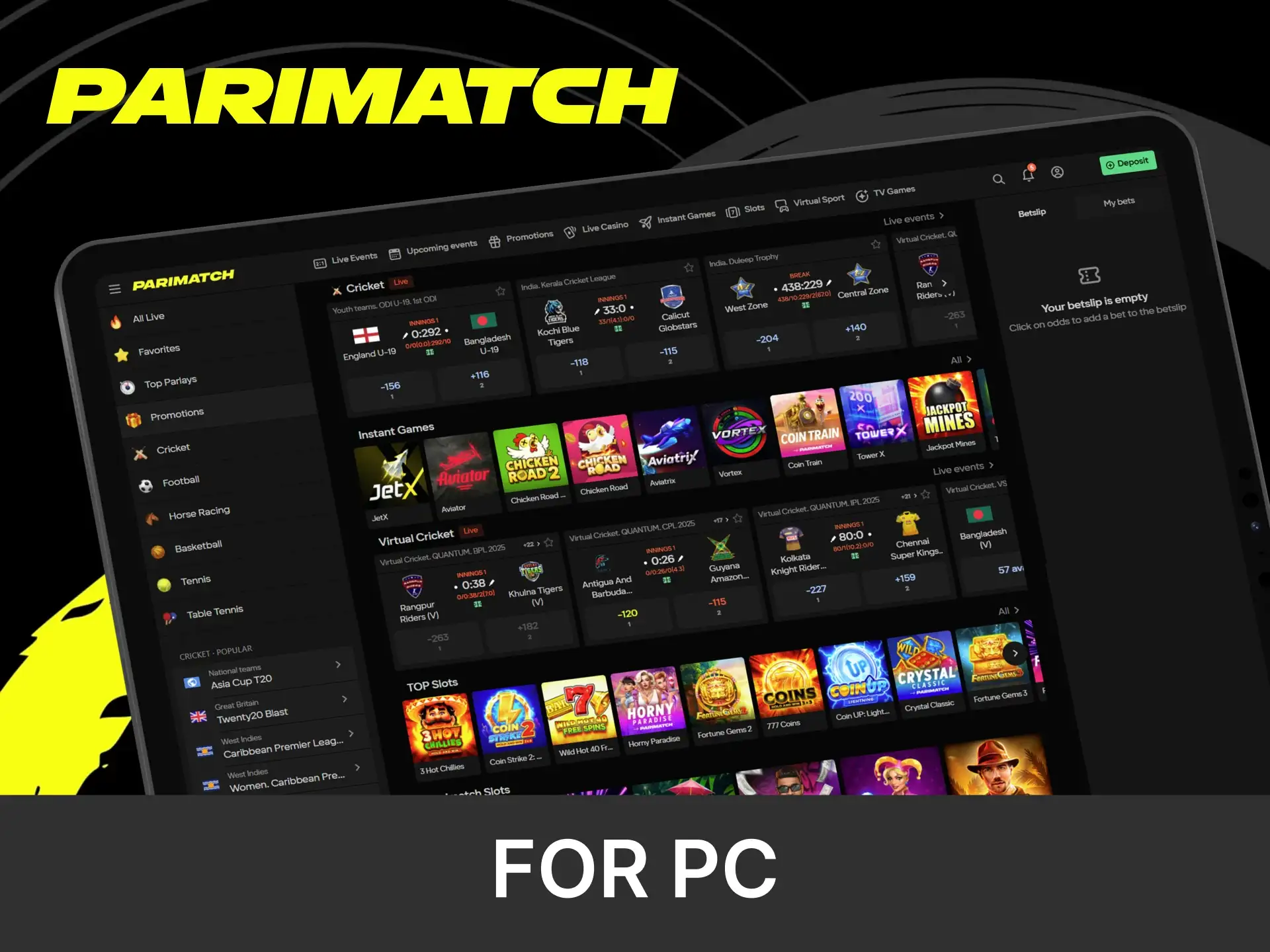
On a PC or laptop, Parimatch is used through the official website in any modern browser, so no separate desktop download is needed. The desktop site offers the same account, interface, sports markets and casino games as the mobile app, plus a larger screen for live betting and streaming. To open it quickly, bookmark the site or pin it to the taskbar; the platform supports secure payments, real-time betting, and 24/7 customer support directly from your computer. This makes it an excellent choice for players seeking maximum comfort and functionality without depending on mobile devices.
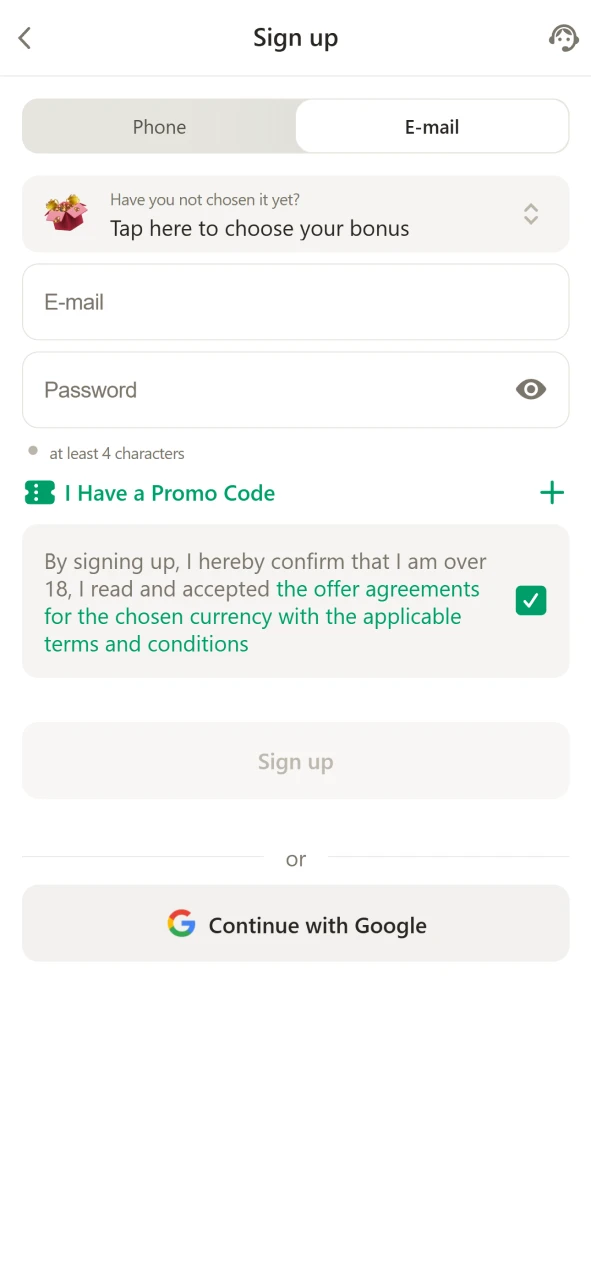
Registration Process via App
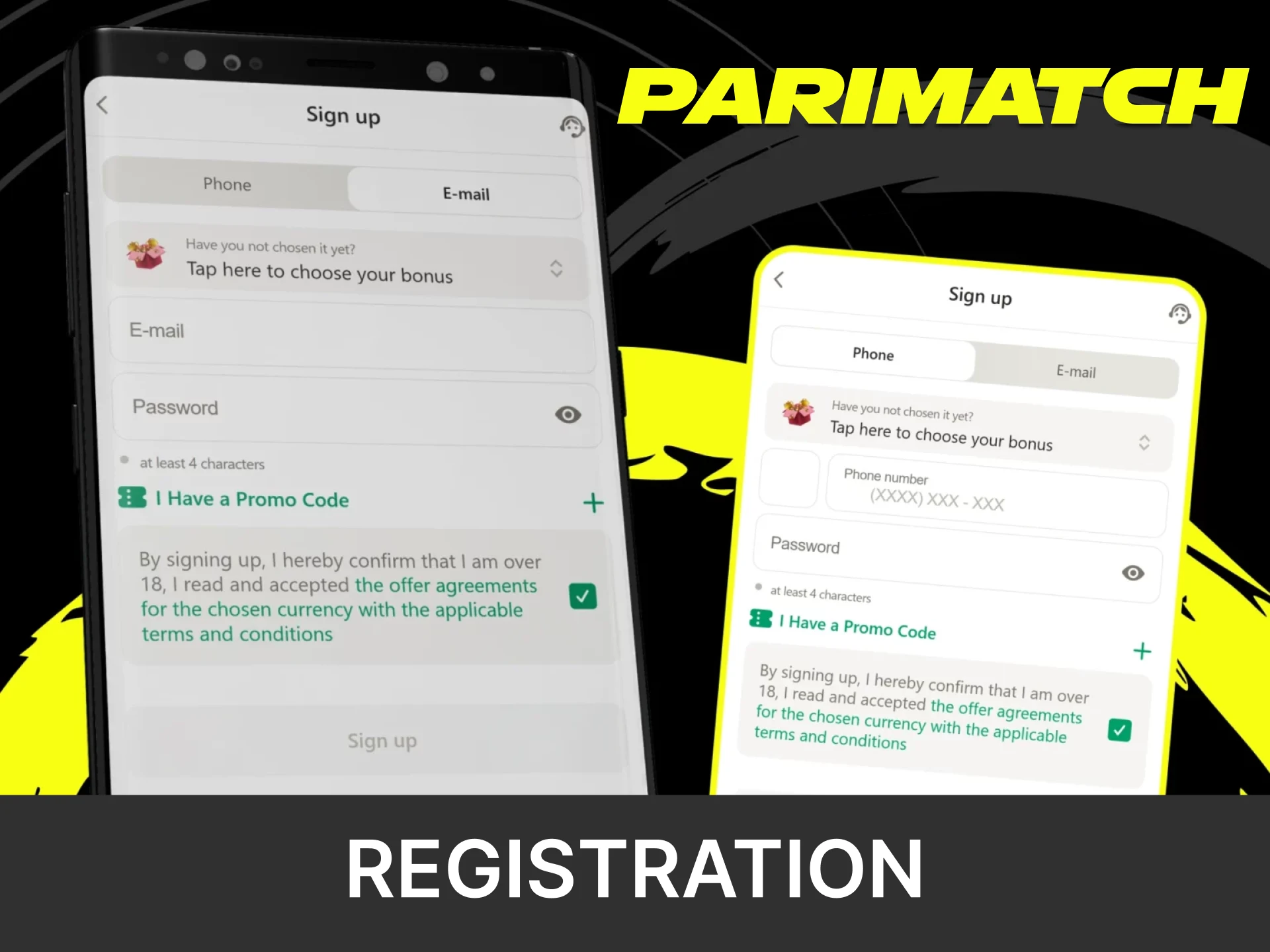
Getting started with Parimatch through the mobile app is quick and straightforward. Follow these simple steps to create an account and start playing:
- Download and Launch the App. Install the Parimatch app on your device (or add the web app on iPhone) and open it.
- Tap on “Sign Up”. The registration button is clearly visible on the home screen.
- Fill in Your Details. Enter your name, date of birth, mobile number, email, and create a secure password.
- Choose Currency and Country. Select INR as your currency and confirm your country.
- Complete Verification. Confirm you are 18+, agree to the terms and confirm your details to activate the account.
Bonuses for Mobile Players
Users of the Parimatch mobile app have access to the same generous promotions as players on desktop. Whether you prefer sports betting, slots, or live casino games, there are special offers for each of them. All bonuses are available immediately after registration and fulfilling the requirements stated in the promotion’s terms and conditions.
Free Bets and Regular Promotions
Besides the welcome offers, app users can join regular Parimatch promotions such as bet insurance, free bet boosts on football and cricket competitions. The list changes often, so check the “Promotions” section in the app for current offers and enter any promo code you have in the “Enter promo code” field. Each promotion has its own terms.

Welcome Bonus
New players choose one welcome offer: 150% up to INR 20,000 for sports betting, 150% up to INR 105,000 for slots, 100% up to INR 50,000 for live casino or 100% up to INR 30,000 for instant games. The minimum deposit is INR 500. The bonus is credited after registration and the first qualifying deposit in the Parimatch app; wagering requirements and eligible games are listed in the bonus terms on the official website.

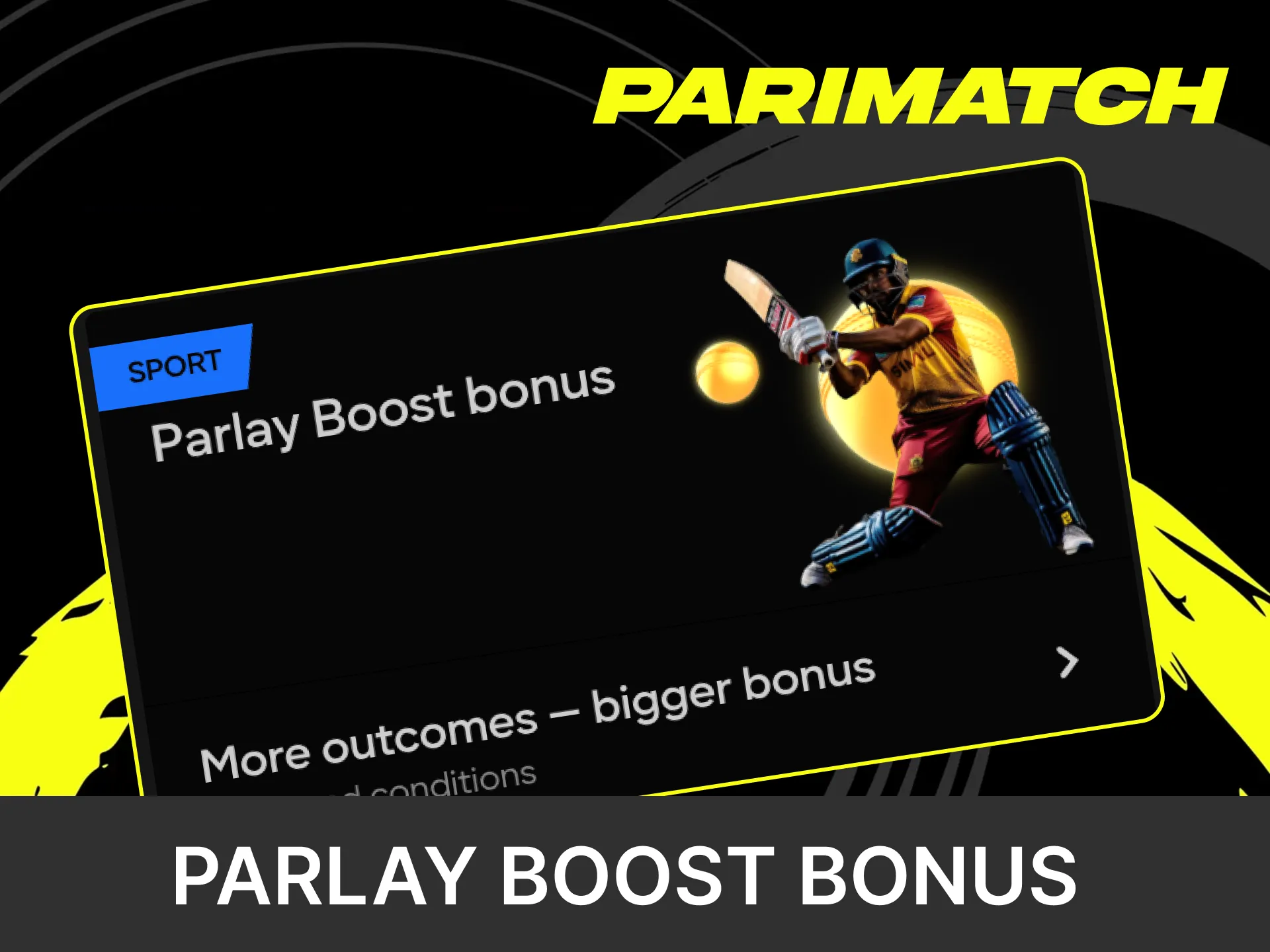
Parlay Boost Bonus
Parimatch rewards players who enjoy parlays with a special bonus that increases their winnings. To qualify, place an accumulator (express) bet on several events; the more events it includes, the bigger the boost. Both Live and Pre-match accumulators can qualify. The minimum number of events, the minimum odds, the maximum boost and the excluded bets (for example, free bets) are set out in the promotion terms.
How to Update Parimatch App to the Latest Version?
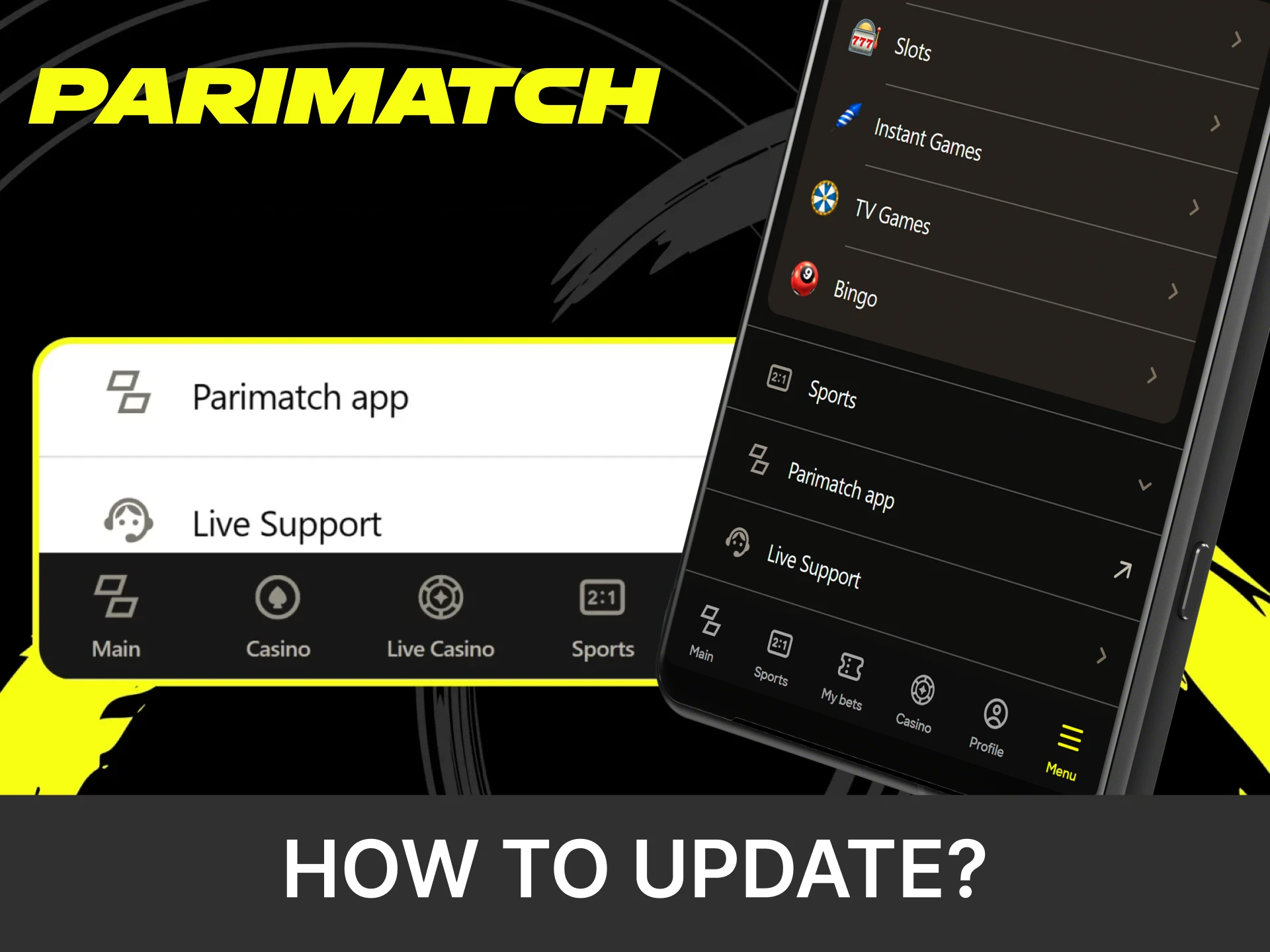
Since the Parimatch app isn’t available on Google Play or the App Store, all updates are done directly through the official website. This ensures you always have the latest version with improved performance, enhanced security and the latest features. To update the Parimatch app, follow steps below:
- Open the official Parimatch website on your smartphone or tablet.
- Go to the “App” section and find the latest version of the installation file.
- Download the APK file (for Android); the iOS web app updates automatically.
- Install it over your existing version. All account data and settings will remain safe.
Importance of Updating Parimatch App
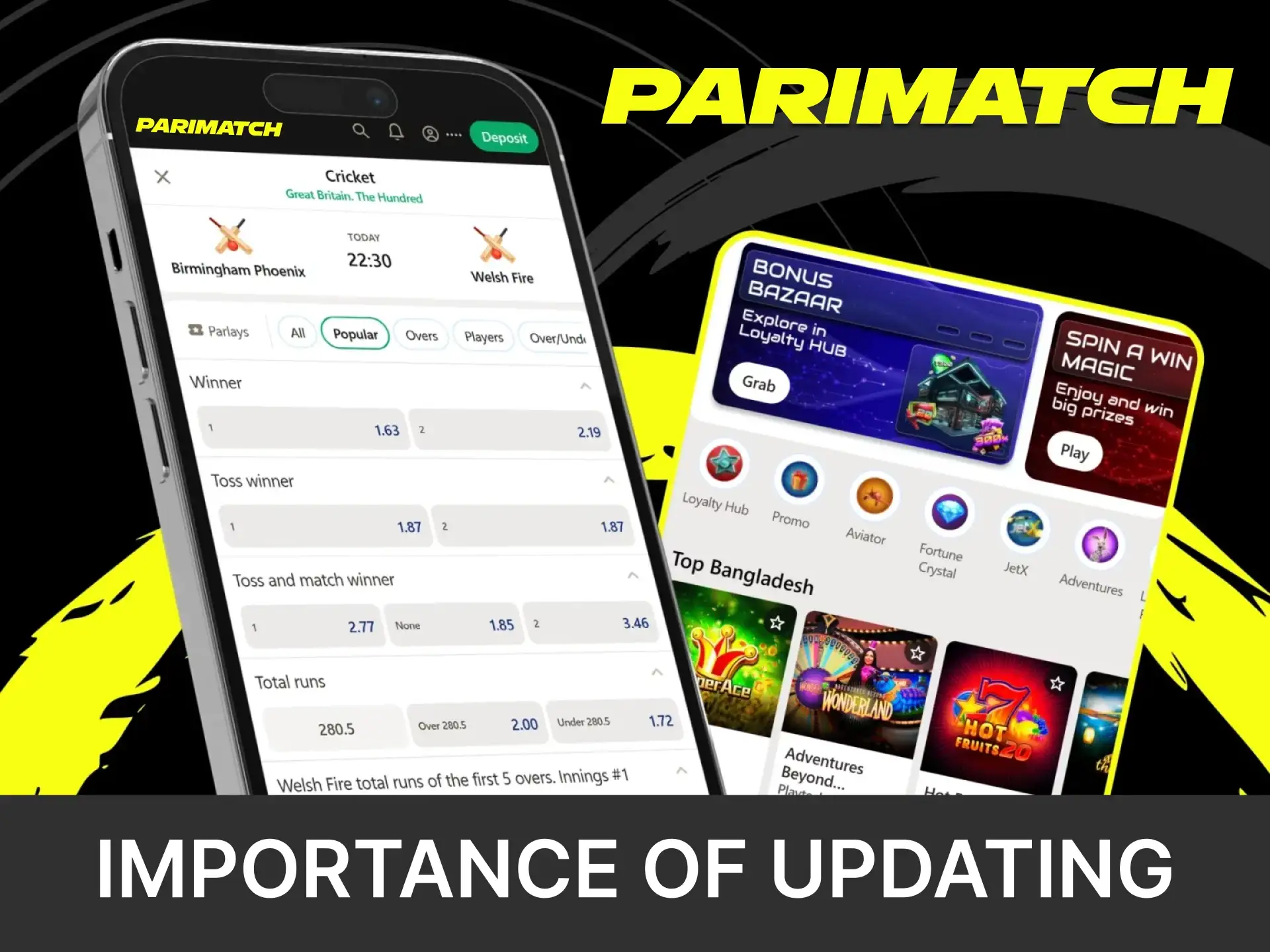
Regular updates of the Parimatch app give you access to new features, better security, and smoother performance. Each version improves stability, fixes bugs, and optimizes the betting interface for faster play. Keeping your app up to date ensures a safe, reliable, and seamless experience every time you place a bet.
How to Place a Bet?
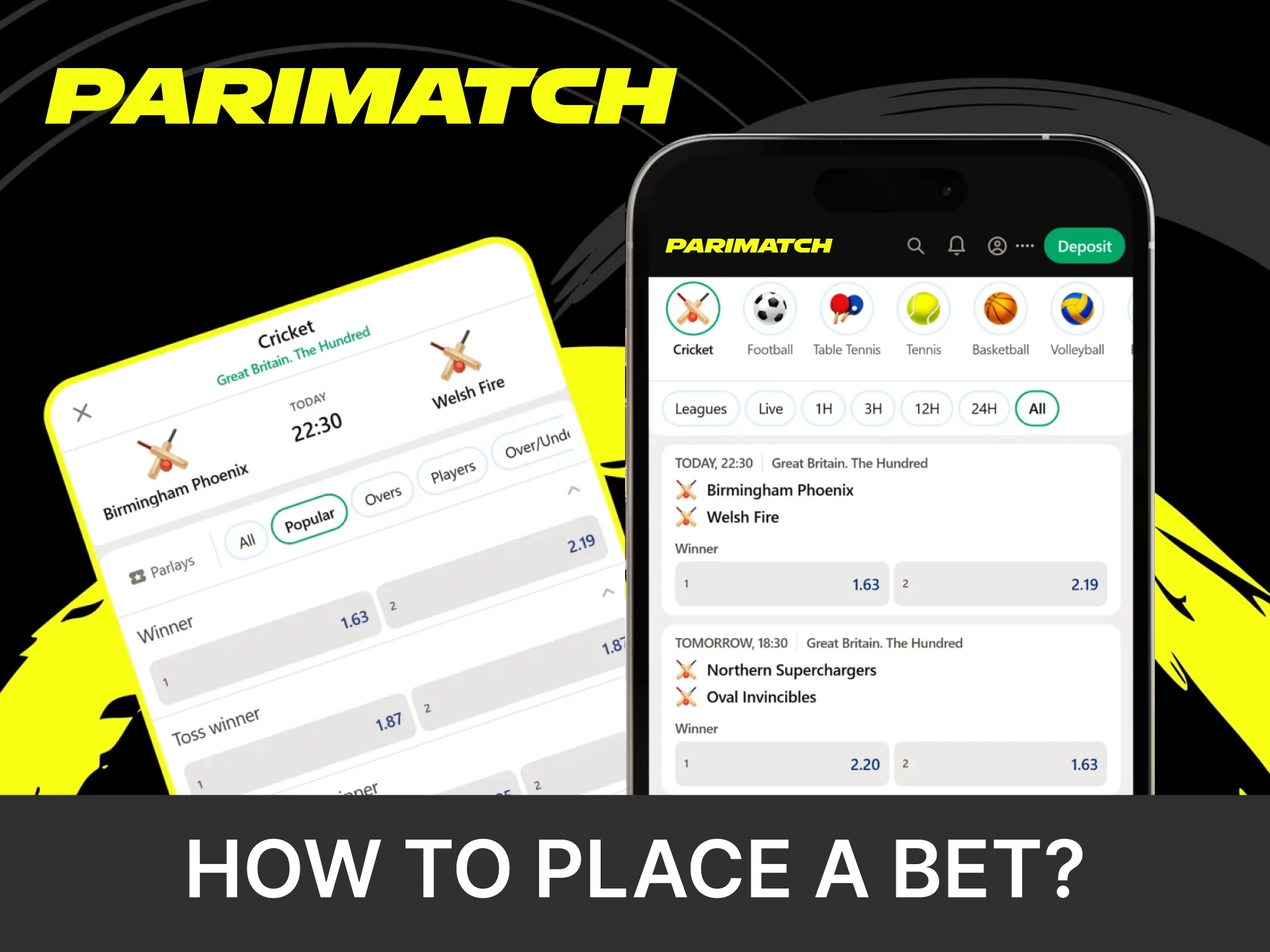
Placing a bet through the Parimatch app takes just a few simple steps:
- Open the Parimatch app and sign in using your registered email or phone number and password.
- Browse the homepage or use the search bar to find your preferred sport, tournament, or match.
- Tap on the odds you want to bet on.
- Open your bet slip, enter the amount you wish to bet, and review your selection.
- Click the “Place Bet” button to finalize.
Your bet will be instantly processed and visible in your account.
How to Delete Parimatch App?
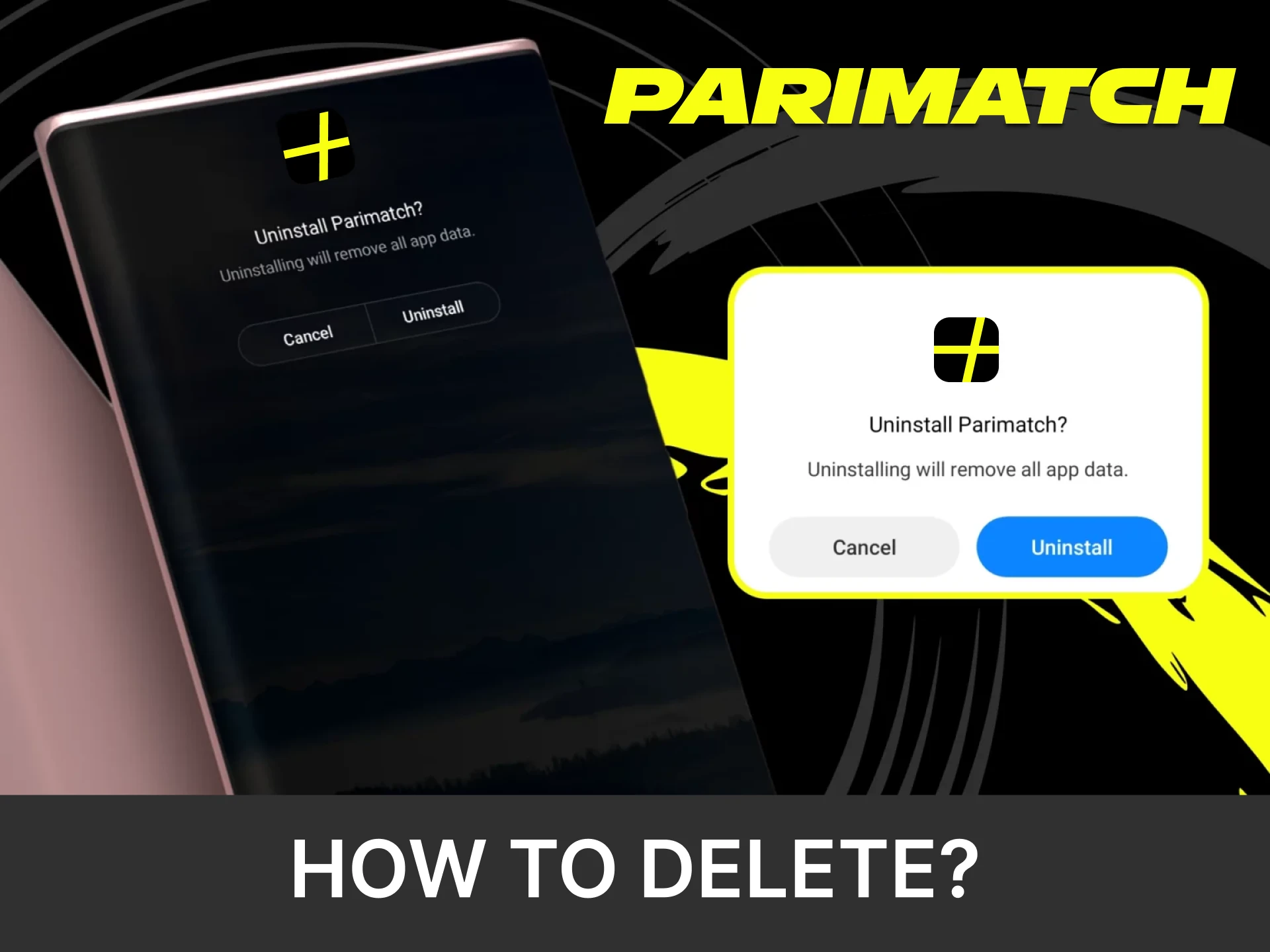
If you no longer need the Parimatch app, removing it from your device takes just a few seconds. Simply locate the app icon, press and hold it, then select the “Delete” or “Remove” option to uninstall it completely.
How to Login via Parimatch App?
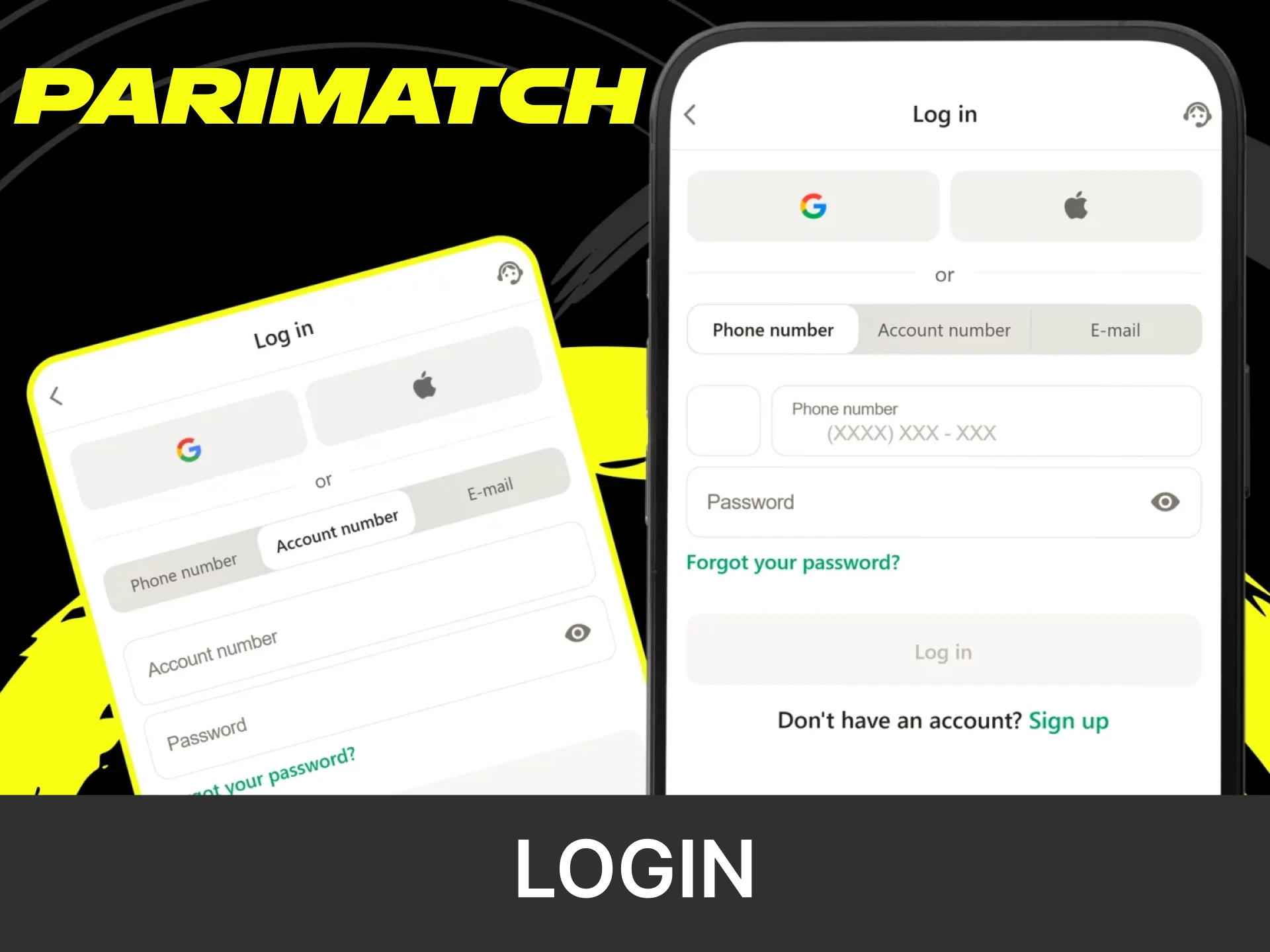
To access your Parimatch account through the mobile app, follow these simple steps:
- Open the App. Launch the Parimatch application on your mobile device.
- Tap on “Login”. Locate and click the “Login” button on the home screen.
- Enter Your Credentials. Type in your registered email or phone number along with your password.
- Confirm and Access. Tap the “Login” button to enter your account and start betting.
Parimatch App Features
The Parimatch mobile app combines sports betting and casino games in one intuitive platform. It features fast navigation, secure transactions, and high performance. Players can easily switch between sports and casino sections, securely manage their accounts, and enjoy a wide selection of games and betting options. Regular updates improve functionality and maintain high performance.
Live Betting Features
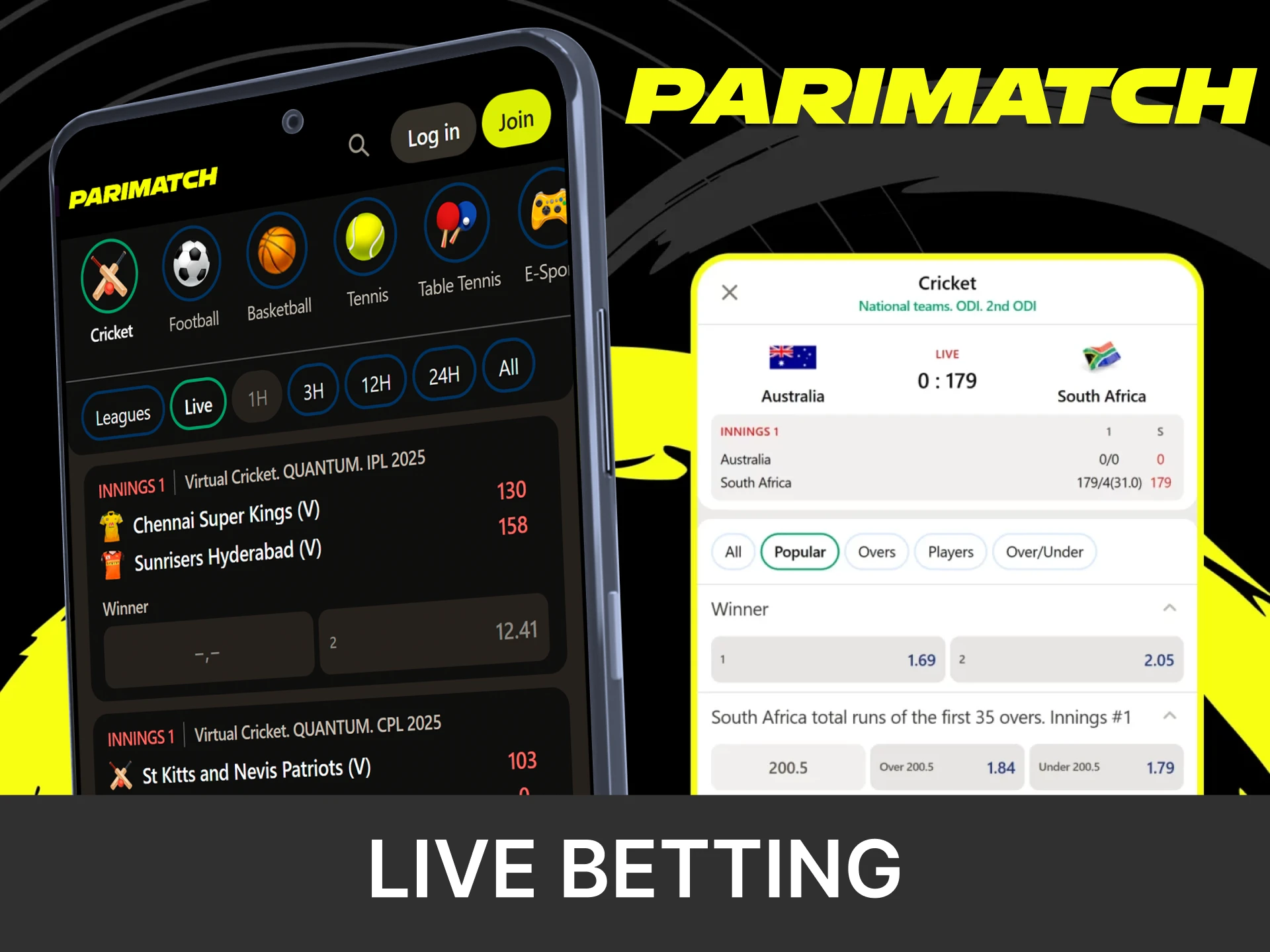
The Live betting section operates around the clock and covers popular sports such as cricket, football, and kabaddi. Odds are updated in real time, and users can place bets instantly. Selected events include live streaming, detailed statistics, and a user-friendly interface for quick betting, all optimized for smooth operation during peak matches.
Casino Games Features
The casino offers a wide selection of slots, table games, and live dealer games from leading providers. Games load instantly, ensuring smooth gameplay without delays. The layout makes it easy to navigate between categories, search quickly, and switch smoothly between games for a seamless casino experience.

Deposit Features
Depositing money in the Parimatch app is fast, secure, and effortless. The platform supports a wide range of payment methods, allowing players to choose the one that suits them best. All payments are made in INR, the minimum deposit is INR 500 and the limits for each method are shown in the cashier. Transactions are encrypted, and electronic deposits are usually credited within 30 minutes.
| Parameter | Details |
|---|---|
| Available Payment Methods | UPI, PhonePe, Paytm, Google Pay, Visa, Mastercard, RuPay, NetBanking, crypto (USDT, USDC) |
| Currency | INR |
| Minimum Deposit | 500 INR (10 USDT) |
| Limits per Method | Shown in the cashier |
| Processing Time | Usually within 30 minutes |
Withdrawal Features
Withdrawals in the Parimatch app are smooth and secure, offering several reliable payment options. The process is designed for convenience while maintaining strict security standards. Withdrawals go only to payment accounts in the player’s own name, standard withdrawals are free, and an ID document is required for amounts above the equivalent of USD 100. Before cashing out, deposits must be turned over (up to 100% in INR, 70% for crypto).
| Parameter | Details |
|---|---|
| Available Payment Methods | Methods shown in the cashier for your account |
| Limits | Shown in the cashier |
| Fees | None for standard withdrawals |
| Verification | ID document for withdrawals above the equivalent of USD 100 |
| Processing Time | Up to 3 working days |
User Profile Features
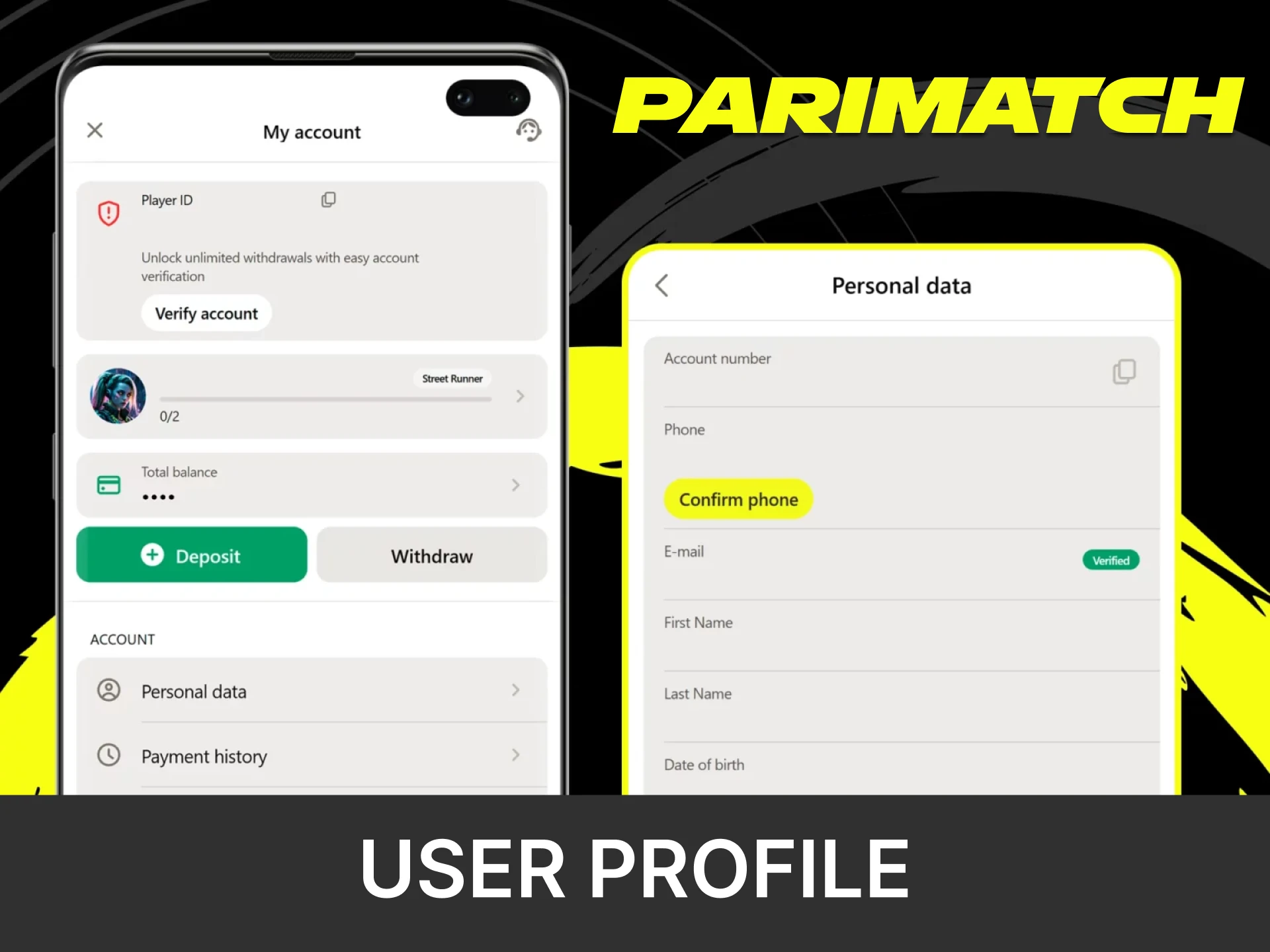
The profile section provides quick access to account management tools. Players can view their balance, track deposits and withdrawals, and review betting history in one place. Security settings allow password updates. Personal details and contact information can be edited directly in the app, keeping the account organized and secure.
Notification Features
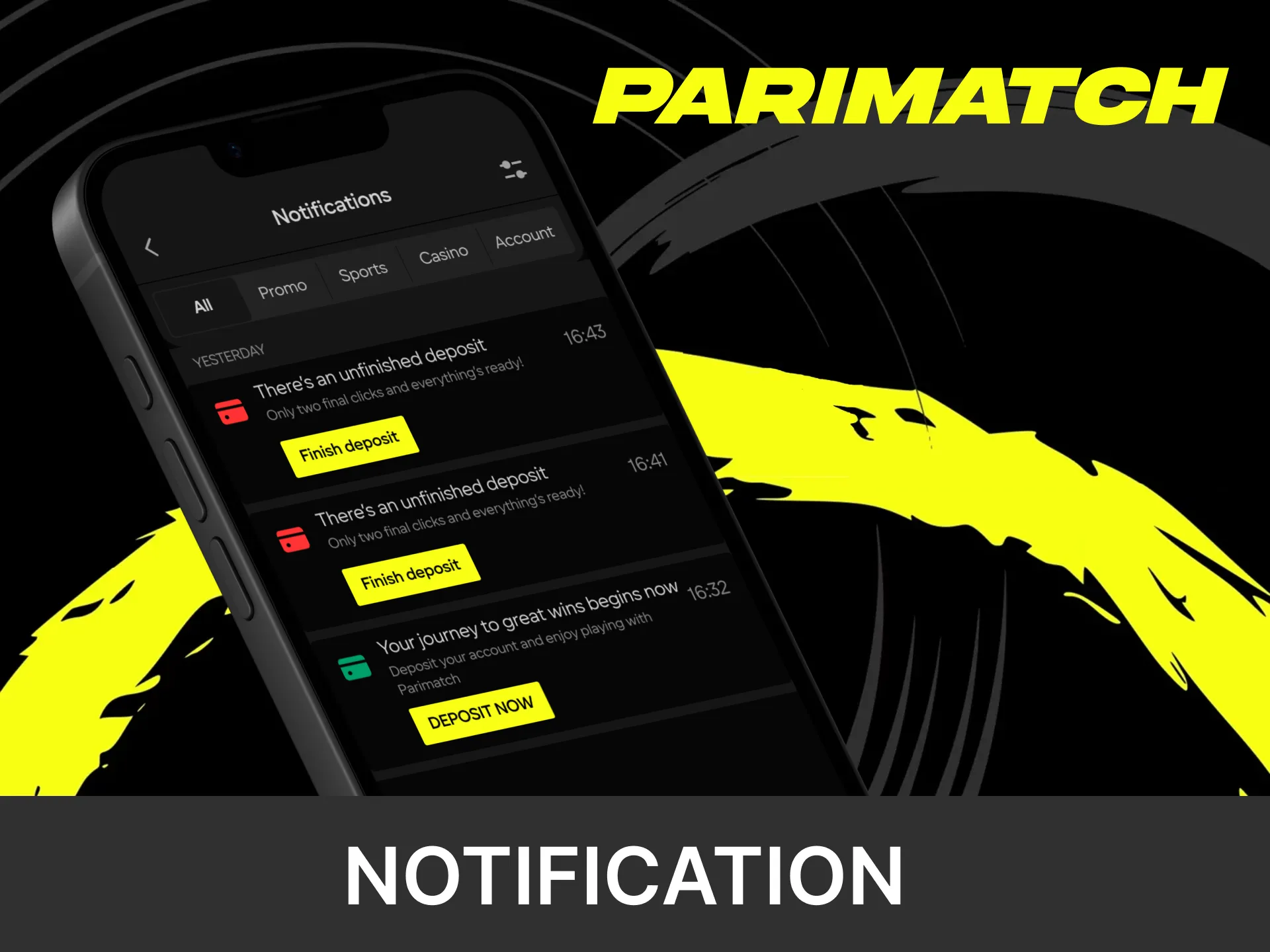
Notifications keep players updated about promotions, results, and live match events. Users can customize alerts for bonuses, scores, or bet results, receiving updates instantly via push notifications. Settings can be easily adjusted within the app, ensuring only relevant information is delivered in real time.
F.A.Q
How Can I Check if My Mobile Device Is Compatible with the Parimatch App?
Most current Android and iOS devices can run Parimatch without issues. On Android, make sure the system is up to date before installing the APK; on iPhone and iPad, the web app only needs Safari and a recent iOS version.
Can I Use the Same Account for Both the App and the Website?
Yes. With Parimatch, one account is all you need. You can log in seamlessly across the mobile app, desktop site, and mobile browser with the same credentials.
Is the Parimatch Mobile App Safe to Use?
Parimatch uses SSL encryption and secure payment gateways to safeguard your personal and financial information at every step.
Can I Set Betting Limits in the App?
Yes. Parimatch supports responsible gaming. You can limit your bets and spending or request self-exclusion in your account settings.
Can I Contact Customer Support from the App?
Yes. The app has a support section with live chat, and players can also contact support by email or messengers.